Do Wireless CarPlay Adapters Actually Work?
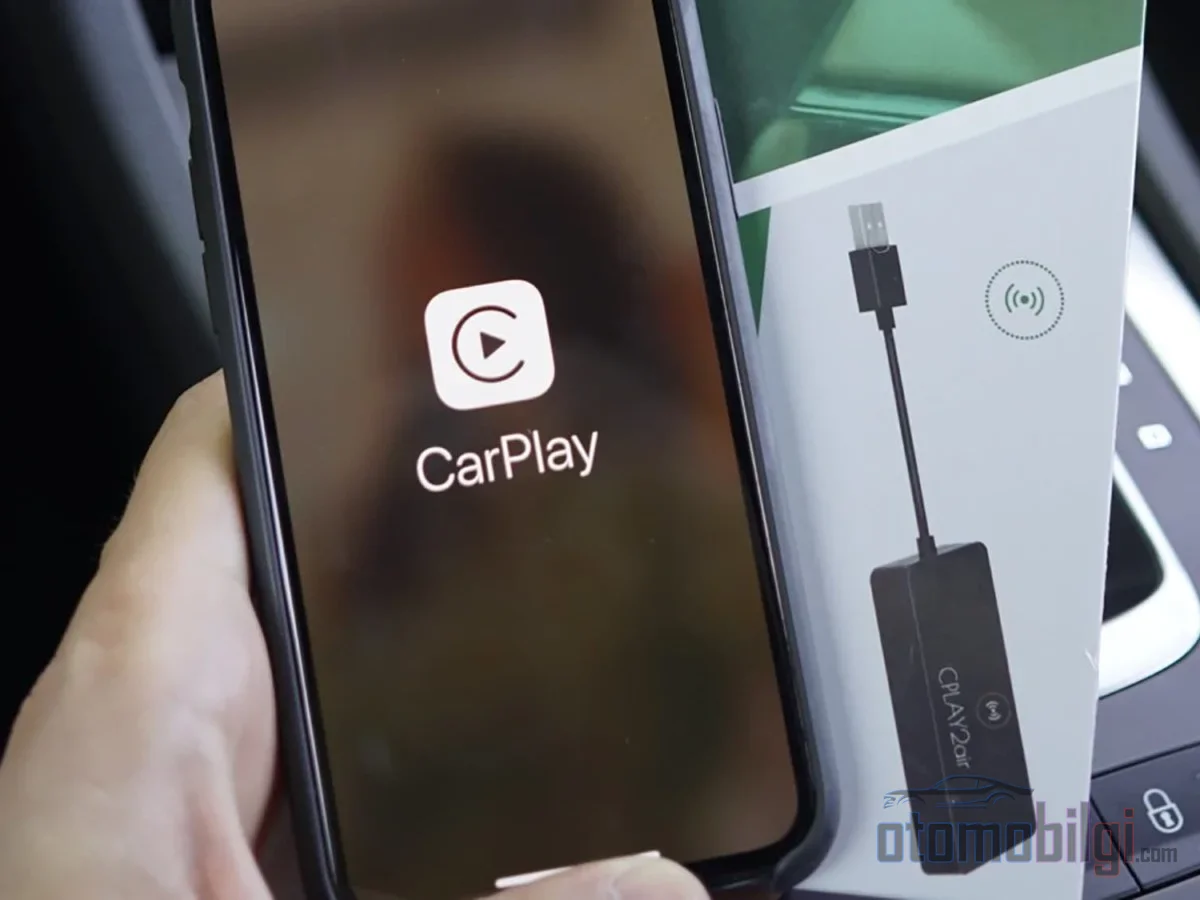
When you unplug the cable from the car's USB port and plug in a small box, the map and music start appearing on the screen even though the phone stays in your pocket. It seems like magic - but there is a perfectly logical bridge setup behind it. So do these adapters really deliver the same result in every car, with every phone? Complaints about lag and disconnections are flying around the forums so much that the answer is not as straightforward as you might think.
What Exactly Does a Wireless CarPlay Adapter Do?
The adapter's job is essentially interpretation: Toward the car, it acts like a wired CarPlay device; toward the phone, it offers a wireless CarPlay endpoint. In other words, the car's screen never notices that anything has changed; the little box in between translates the language of each side to the other.
But first, there is a critical gate: The adapter only works in vehicles that support wired CarPlay or Android Auto. If the car has no CarPlay at all, a basic USB adapter cannot add that feature afterward; in that case, you need either an integration kit or a portable CarPlay display.
Bluetooth Starts It, Wi-Fi Carries It
Wireless CarPlay's two-stage operation makes perfect sense once explained with an analogy. Think of Bluetooth as the initial radio contact aircraft make with the tower: it initiates the connection, negotiates the agreement. Then the real load - map data, audio, interface updates - travels on the shoulders of the 5 GHz Wi-Fi band. That is why, if you turn off Wi-Fi on your phone, wireless CarPlay drops even though Bluetooth appears to be working. Both are required together.
Let's clear up one confusion here as well: the network your phone uses to access the internet is still the phone itself. The Wi-Fi link between the adapter and the car is not a general network; the phone's cellular data is used for streaming online maps and music. Also, the Bluetooth pairing the adapter makes with the phone does not require the car's Bluetooth - steering wheel controls and the factory microphone usually keep working, because the adapter simply passes the existing interface through.
The Overlooked Thing: Power
Everyone focuses on Bluetooth and Wi-Fi, but the most vulnerable link is the power supply. Many adapters continuously demand 1.5A-2.0A of current; factory USB ports, however, often deliver only 0.5A-1.0A. If the current drops at the moment of the handshake, the adapter resets and the connection is never completed. The solution is easier than you might guess: a port that delivers 2.0A or more, or a powered USB hub.
Key Takeaways
- Wireless CarPlay starts with Bluetooth, but the actual data is carried over 5 GHz Wi-Fi
- The adapter only works in vehicles that have wired CarPlay/Android Auto
- When skipping songs, even premium models can show a 0.5-2 second delay
- In 2026 tests, adapters are working with a success rate of 85-98%
- The number one cause of death for cheap models: overheating
Setup Steps: The Right Way to Connect in Five Minutes
Setup really is fast - after the first pairing, the phone reconnects automatically every time you start the car. But there is a compatibility gate standing in the way of quick setup, and many people skip it and leave bad reviews. Before plugging in, run these five checks:
- Find the USB port that carries data; charge-only ports are not enough.
- Test whether CarPlay launches with your iPhone connected using a known-good cable.
- Clarify your car's model year, software version, and region.
- Read the manufacturer's exception list - some exclude BMW, Tesla, and Sony aftermarket units.
- Check whether the port cuts power after you turn off the ignition; if it doesn't, there is a risk of a small parasitic drain.
Then comes the actual setup: Make sure your iPhone is up to date and Siri is enabled. Delete old Bluetooth/CarPlay profiles from the phone, plug the adapter into the CarPlay data port, pair it via Bluetooth, and confirm the CarPlay prompt. I also have my favorite piece of advice: before you reach a verdict on reliability, do at least 5 cold starts within a few days. A single successful connection in the garage proves nothing; the real test is automatic reconnection when you turn the ignition in the morning.
Which Adapter, for Whom? Featured Models
The market is quite crowded as of 2026, and every box has its own personality. The most important point is this: 2-in-1 adapters can offer both CarPlay and Android Auto with the same dongle, but having the corresponding wired system in the car is still a requirement. Also, wireless Android Auto requires Android 11 or later - if your phone is old, it's the software, not the box, that sets the limit.
| Model | Standout feature | What to watch out for |
|---|---|---|
| AAWireless TWO+ | A physical phone-switch button, companion app, and ongoing firmware updates | Connection time was found longer than desired in tests |
| Motorola MA1 | Fixed plug-and-play wired design, no setup experience required | No standard USB-C port or app like on AAWireless |
| Ottocast Mini Cube 3.0 | In a Cupra Born test, CarPlay launched in 12.23 seconds | Track skipping was measured with a 1.18-second delay |
| Carlinkit Mini Ultra 3 | Compact, dual-system, browser-based settings and OTA updates | Occasional reconnection issues in long-term use, weak multi-user management |
When reading comparison articles, carry one warning with you: the sellers' own benchmarks are always biased. An adapter manufacturer's own website can declare itself the best of the year; another manufacturer claims to be faster than the MA1. These measurements are useful, but take the enthusiasm with a grain of salt. The honest answer to the "best adapter" question lies right here: it changes depending on your car and usage profile. It makes perfect sense for someone using two phones at home to choose a model with a physical switch button, while a single user can just get the simplest plug-and-play box.
Latency and Drop-Out Issues: What to Expect in Real-World Use?
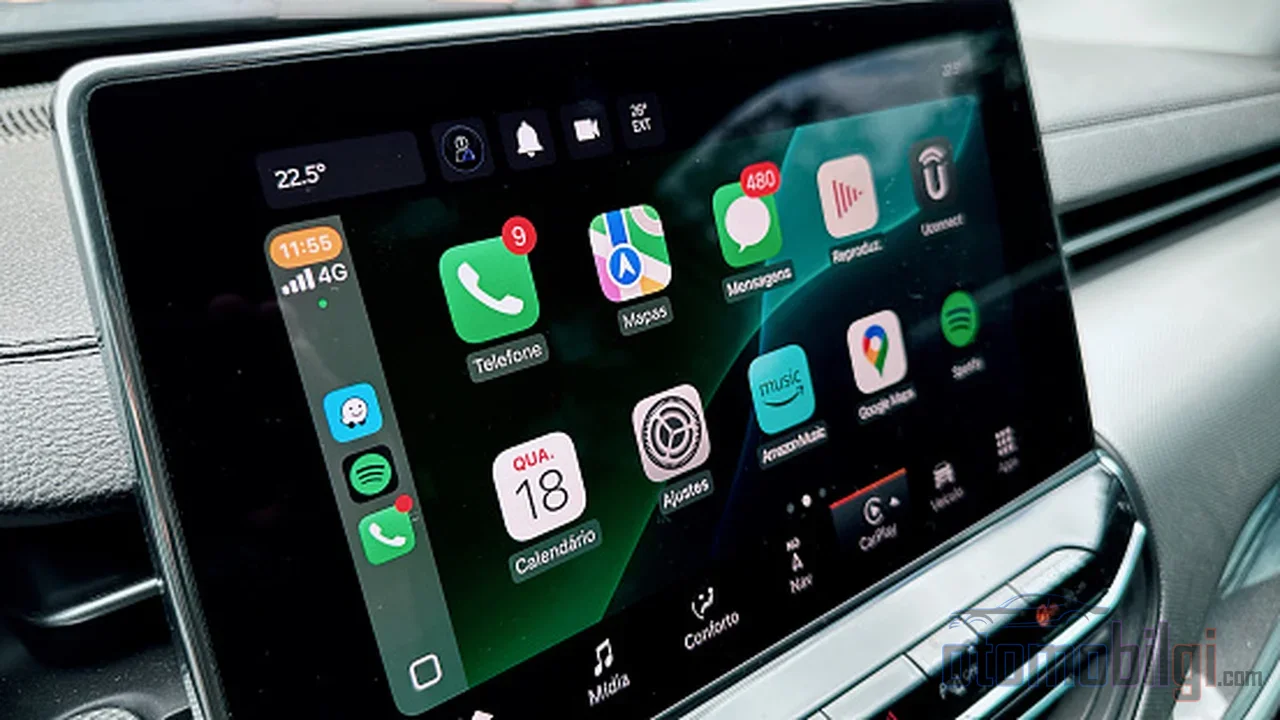
Now let's get to the real question, because this is the adapters' critics' strongest card. First, recognize that latency is not one single thing:
- Ignition-to-CarPlay wait time: how long the interface takes to appear on screen. Good models measure around 12 seconds, while bad ones have examples reaching 12-15 seconds.
- Media control latency: response times for skipping and pausing tracks. Even in premium models, a 0.5-2 second wait is possible; budget boxes often have no option to adjust this.
- Video-audio sync while parked: another type of delay noticed during entertainment use.
And a sure sign: the moment you see a "zero lag" promise, take a step back. Not to mention - looking at user experiences, delays and dropouts are common, but there is also no picture of everyone using it without problems; most people, after solving their issues, cannot go back to the freedom of the wired age.
Common Problems and Solutions
The culprits behind connection dropouts are usually no surprise: insufficient or fluctuating USB current, the phone being busy with another Bluetooth device, an outdated iOS version (Apple periodically changes the wireless CarPlay authentication) and the wrong port - media-only playback ports block two-way communication. As for audio stuttering, the most effective cure is often a single move: switch the adapter to the 5 GHz band. 2.4 GHz is crowded everywhere; moving to 5 GHz eliminates most audio lag and map stuttering.
- On iPhone, make sure Bluetooth and Wi-Fi are on, forget the old connection and re-pair
- Keep the adapter's firmware up to date - many models receive OTA updates
- In multi-driver households, temporarily turn off the passenger's phone's Bluetooth or use a physical swap button/app
- When Wi-Fi + navigation + charging stack up, the iPhone heats up; remove the thick case and keep it out of the sun
There is also the question of duration: in some vehicles (RAM and Challenger examples circulate on forums) the adapter stays powered at the port even after the ignition is turned off; this creates unnecessary reconnections and a small parasitic drain. As for why cheap models die within 6-12 months, overheating tops the list; followed by old Wi-Fi/CPU chips and poor firmware. So buying the most expensive box is not a must, but blindly buying the cheapest one also does the math on itself.
Frequently Asked Questions: Things to Know Before Buying an Adapter
Is there a subscription fee? Usually not; but some in-CarPlay apps may require their own subscription. Is the sound quality worse than wired? The noticeable difference is felt more in control and media latency than in music quality. Can you watch Netflix? Not with standard adapters; Android AI boxes can add entertainment while parked, but legality and distraction are a separate discussion. What about the iPhone battery? It drains faster because Wi-Fi, GPS, cellular data and processing stay constantly active - factor that in on long trips.
Wired or Wireless? An Honest Conclusion
If you want long trips, charging needs and predictability, the cable remains unbeaten. What the adapter world has gained is narrower but more everyday: the comfort of not pulling your phone out of your pocket when heading to the market, school, or work. As of 2026, these boxes are working with a success rate of 85-98% in tests; budget options fall in the 85-90% band. So the full answer to the question "does it actually work" is this: If your car has wired CarPlay/Android Auto and you set up the power supply correctly, yes - but be prepared for delays of half a second to two seconds when skipping tracks and the occasional disconnection. Test it plenty during the return window, and don't pass judgment before a few days of trial use. In my opinion, the most enjoyable part is actually this trial phase - you finally get to experience the pride of burying the cable in the glove box while also troubleshooting the passenger's phone when it acts up. Do you think wireless convenience is worth a few seconds of delay?
Sources
- Wireless CarPlay in 2026: How It Works, Who Needs an Adapter, and 3 Picks
- Best Wireless Adapters for Apple CarPlay/Android Auto 2026
- The Ultimate Guide to CarPlay Wireless Adapter Setup in 2026
- Motorola MA1 vs. AAWireless: Android Auto without wires
- Best Wireless Android Auto Adapter 2026: 6 Compared
- Do Wireless CarPlay Adapters Work? 10 Models Tested 2026
- Why Cheap Wireless CarPlay Adapters Die After 6-12 Months
- Ottocast Mini Cube 3.0 review
- How to Fix Common Wireless CarPlay Adapter Issues
- Do Wireless CarPlay Adapters Work with Aftermarket Head Units?