How Much Mobile Data Does Wireless CarPlay Use?
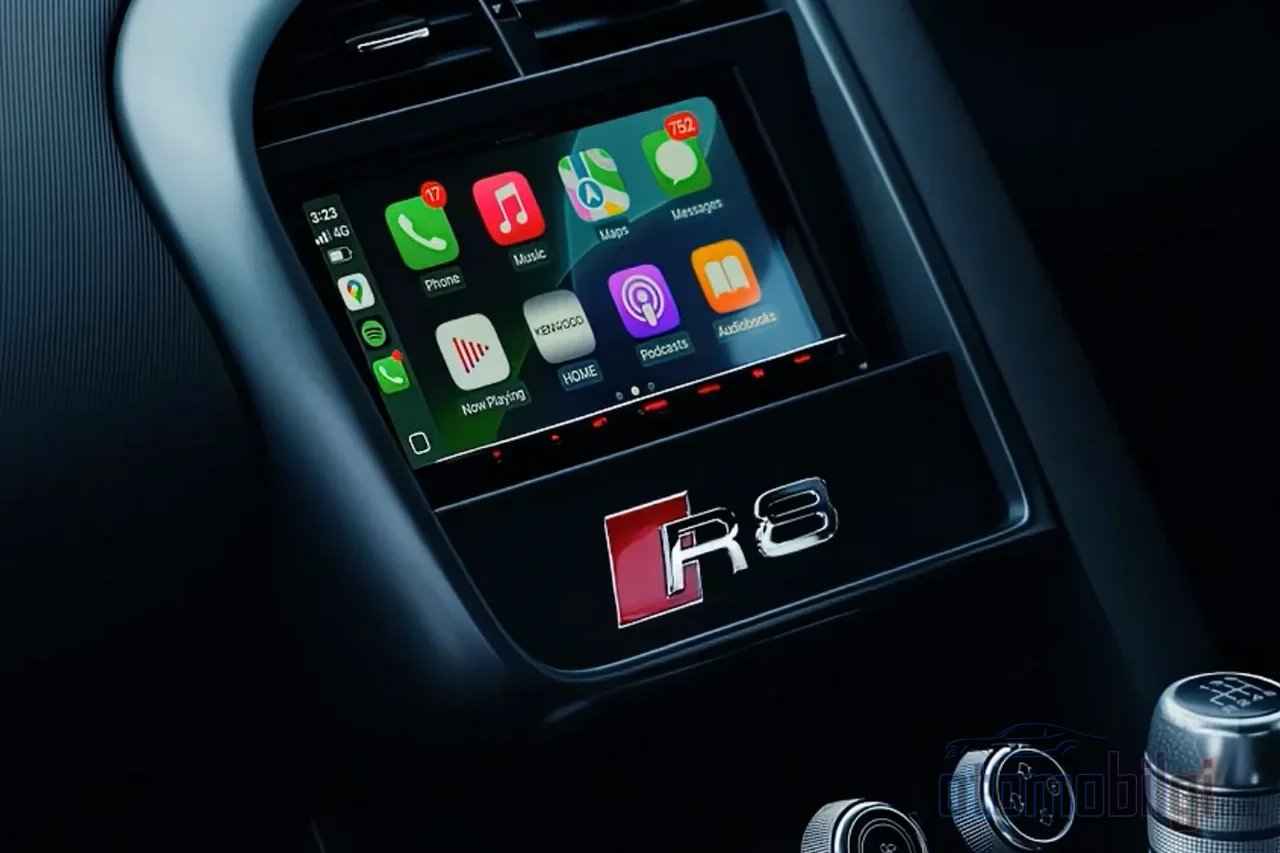
You get in the car, your phone is in your pocket, and CarPlay connects on its own. On the screen are your map, your music, your messages... everything working perfectly. Then at the end of the month a bill or data warning arrives, and a question nags at you: How much phone data does wireless CarPlay use? How much do you think that shiny screen is stealing from your plan? The answer isn't as scary as you might think, but once music streaming, live traffic, and background apps come into play, things change. Let's clear this up together.
First, You Should Know This: The CarPlay Connection Itself Doesn't Use Data
This is the biggest source of confusion, so let me say it right from the start: CarPlay's connection between your phone and your car, whether wired or wireless, consumes no mobile data. CarPlay is essentially just a bridge that mirrors the content on your phone onto your car's screen. In other words, what lights up that screen isn't the data in your plan, but your phone's own processing power.
So how does the wireless connection work? First Bluetooth starts the handshake, then the real work - screen images, audio, map streaming - happens over a closed Wi-Fi network set up by the car. This Wi-Fi line can easily handle bandwidth of 25 Mbps and above. The logic is the same on the Android Auto side: a Bluetooth plus Wi-Fi Direct combination. Your phone uses cellular data for internet and Wi-Fi to talk to the car. So there are two separate lines: one for the display, one for the internet.
Key Highlights
- The CarPlay and Android Auto connection itself uses no mobile data; the apps use the data.
- Navigation uses roughly 2-5 MB per hour, and music streaming ranges from 10-144 MB per hour depending on quality.
- A typical user with regular music and navigation uses around 2-4 GB per month.
- With offline maps and downloaded music, consumption can drop to nearly zero.
What's Actually Using the Data? Let's Examine the Culprits One by One
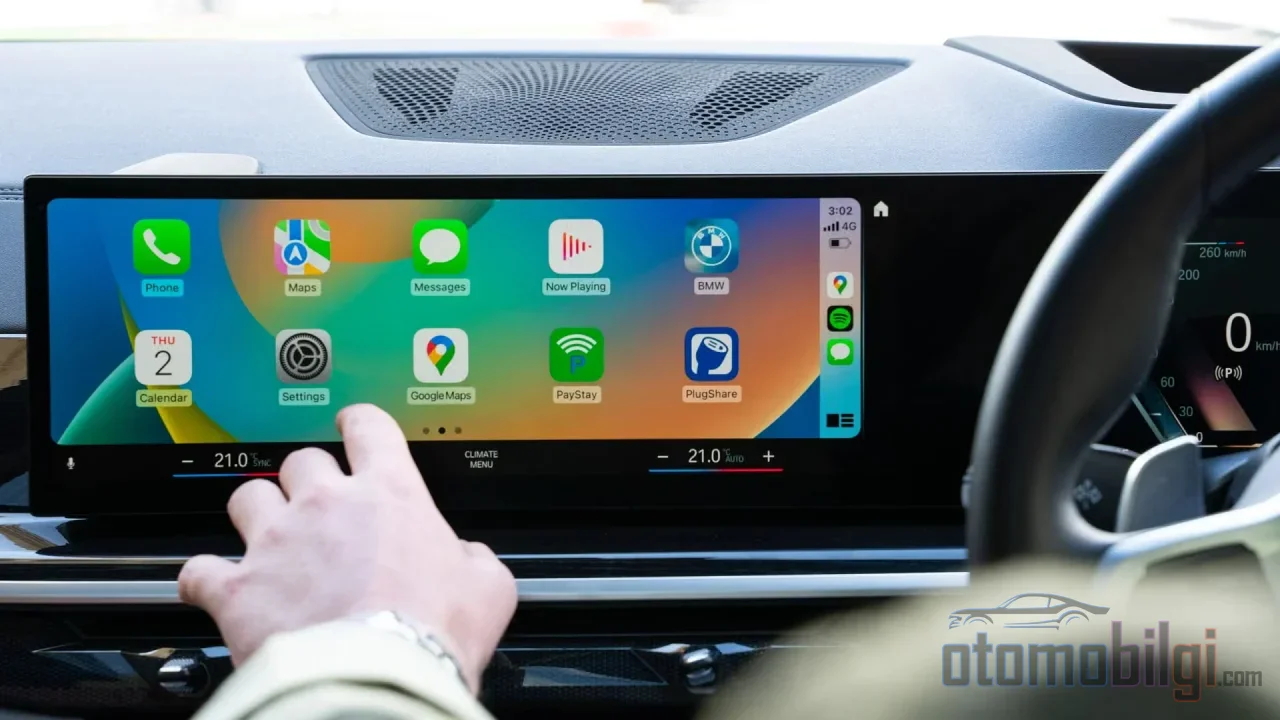
Okay, the connection is innocent. So who's eating into your plan? The short answer: Every app you use on the CarPlay or Android Auto screen uses the same amount of data as it does on your phone. The car screen is just a window; the apps looking through it are the same ones. Now let's put these apps under the microscope one by one.
Music and Podcast Streaming: The Real Eater
Without a doubt, music streaming is the activity where drivers use the most data. The numbers vary depending on audio quality:
- Low quality: about 10 MB per hour
- Normal quality: 43-60 MB per hour
- High quality: 72 MB per hour
- Highest quality: 144 MB per hour
Another measurement shows that a song at 160 kbps quality comes to about 3.5 MB, with an hour adding up to around 70 MB. So for someone who listens to music for an hour a day, that means hovering in a range of 1-4 GB per month. In short, music takes the biggest share of the answer.
Navigation: Far More Generous Than You'd Expect
Here's the surprise: Google Maps or Apple Maps, which deal with live traffic and maps, get by with a modest figure of roughly 2-5 MB per hour. User measurements show values like 2.19 MB per hour; and in monthly totals, consumption of about 62 MB has been reported for Apple Maps, almost all of it coming from in-car navigation. There are also reports that an Android Auto user who drives one hour a day consumes roughly 500 MB of map data per month. Of course these figures vary depending on the route, but in the end, navigation is a lightweight fighter compared to music.
Voice Assistant and Other Background Activity
Everything you ask Siri or Google Assistant, the messages you dictate, weather queries - it all goes through your phone's cellular connection. Individually they are small, but they add up on journeys lasting hours. What's more, some updates and synchronizations can continue in the background while the car connection is active. And this is usually where the truly annoying things begin.
How Many MB Does an Hour of Driving Use? Concrete Scenarios
Let's not leave the figures in the air; let's think in terms of three different driver profiles.
Scenario one: A driver who navigates using only navigation and listens to music from the radio. On a one-hour journey, they consume somewhere between about 5 MB and 10 MB. Almost symbolic.
Scenario two: A driver who streams music at normal quality and uses navigation. Around 50-65 MB per hour. If it's one hour a day, that's roughly 1.5-2 GB per month.
Scenario three: A driver who streams music and video at the highest audio quality. Here things get messy: at the highest quality, music can reach up to 144 MB per hour, while standard-resolution video consumes about 700 MB per hour and HD streaming can use 3 GB or more per hour. So a few hours of HD video can exceed 10 GB on its own. I guess nobody is curious about this, but I won't say watching video while driving - this calculation applies to the passenger seat and rest stops.
How Is 58 GB Spent? Cases of Abnormal Consumption
Now let's look at the dark side of the matter, because not everyone's experience is this innocent. Some Android Auto users report that 200-300 MB per hour is consumed even when Maps is not running at all. Even worse, one user's vehicle consumed 58 GB of data in 27 days. So there is a huge gap between the two extremes: on one side those who get by with 10-11 MB a month, on the other those who vaporize gigabytes.
One reason for this gap is measurement confusion: some users mix up whether they are tracking Wi-Fi data or mobile data. In wireless CarPlay, when the phone talks to the car over Wi-Fi, in some cases it can completely disable cellular data - which leads to both unexpected connection drops and confusing statistics. On the other hand, there is also genuinely abnormal background consumption; it usually appears when update or synchronization loops get stuck in a vicious cycle. The moment your consumption looks abnormal, checking the phone's data usage screen app by app is the healthiest first step.
Practical Ways to Reduce Data Consumption
If your plan is limited, no need to panic; with a few simple measures you can seriously reduce your consumption. Here is your step-by-step roadmap:
- Download maps in advance. Google Maps' offline maps feature works seamlessly with Android Auto; you can also turn on the automatic update option. Alternatives that work entirely offline, such as Organic Maps, are also available. Location finding can be a bit slower in offline mode, but does data go out the window? No.
- Download music while on Wi-Fi. Download your podcasts and playlists while you're at home, don't stream on the road. There are user reports that downloaded content can cut consumption by up to 95 percent.
- Turn off background data. On Android, you can turn off background data by following the path Settings, Apps, Google Maps, Data usage. Do the same check for the other apps you use.
- Consider a wired connection. A USB cable does the same job; there's no difference in terms of data, but since it also charges your phone, it's advantageous on long journeys.
- Lower the video quality. Trimming the video streaming quality from the wireless Android Auto settings noticeably reduces consumption.
- Prepare before leaving home. Finish updates and downloads while on your home Wi-Fi; hit the road fully prepared.
And a bit of insider info: 80 percent of mobile data is actually used on Wi-Fi. In other words, with the right habits, reining in in-car consumption is entirely in your hands.
Short Answer: How Much Data Does Wireless CarPlay Use?
Let's get to the heart of the matter, because this question deserves a clear answer: Wireless CarPlay's connection itself doesn't use data; the apps you use through the screen determine consumption. Navigation draws roughly 2-5 MB per hour, while music streaming at normal quality uses 43-60 MB per hour, which can go up to 144 MB at the highest quality. A typical driver who regularly uses music and navigation consumes 2-4 GB per month; with downloaded maps and music, this figure drops to nearly zero. You won't approach that limit unless there's video streaming into the gigabytes or a rogue app blowing up in the background.
One more note: an offline Android Auto experience is now genuinely possible - with pre-downloaded maps and playlists, you can travel without data, and even latency issues are reduced. In conclusion, wireless CarPlay isn't a data monster; only an unconfigured music library and a starved video app can create a monster. The wheel is in your hands - keep your data under your control too.
Sources
- How much data will I use on Apple CarPlay and Android Auto?
- Does Apple CarPlay Use Data? Everything You Need to Know
- Auto using massive amounts of data for no reason - Google Support
- I took Android Auto offline for my last road trip - ZDNet
- How much data does Android Auto really use? - Reddit
- How much data does Apple CarPlay use for navigation?
- How Much Data Is Right For You?
- Does offline areas on Google Maps work with Android Auto? - CivicX