Cars That Can Be Started with Different Settings for Each Driver
Share This Page
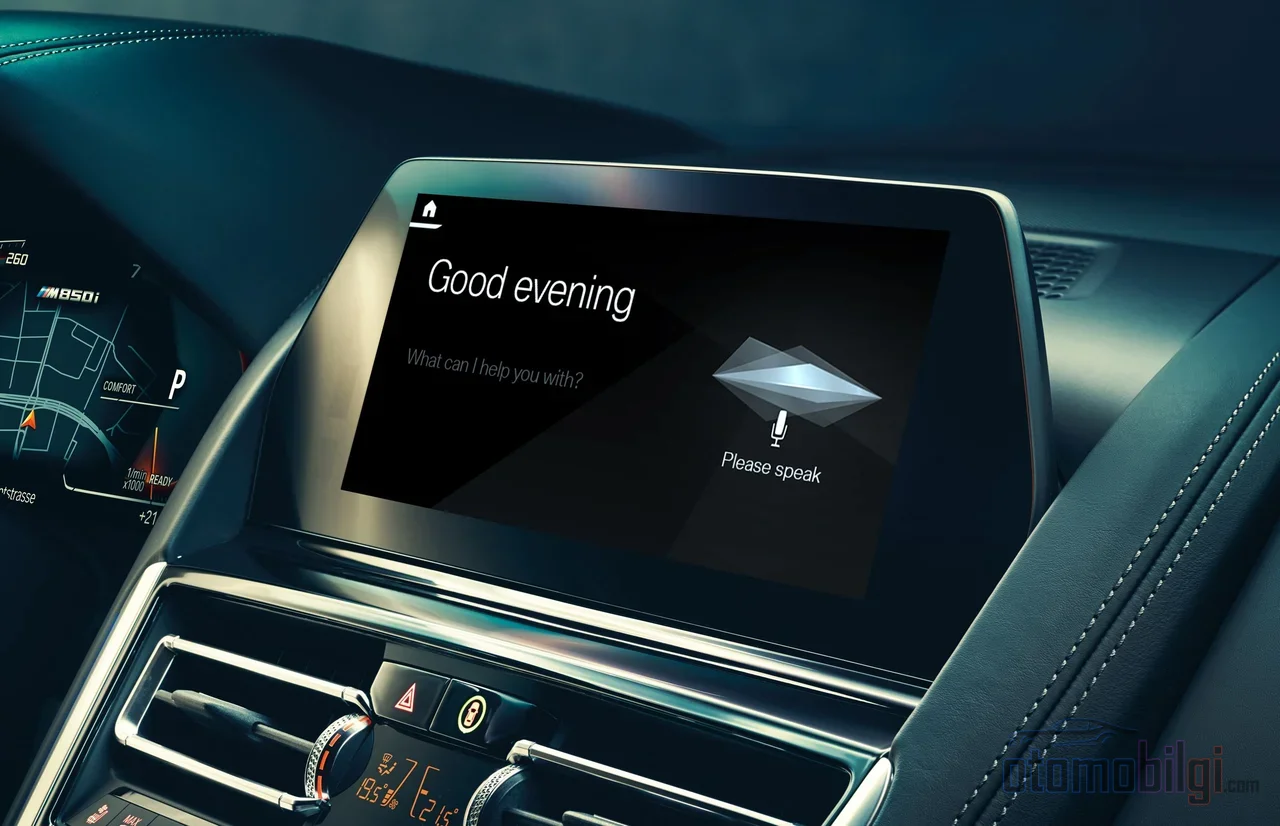
The same car opens with different settings for every driver, because modern infotainment systems keep a separate user profile for each driver: When you get into the vehicle, the system recognizes who you are and adjusts the seat, mirror, navigation, music and phone settings to that person's saved preferences. In short, the car has a memory that reconfigures itself for every driver.
Highlights
- In some brands, the vehicle can store up to 7 driver profiles.
- When a digital key is defined on the phone, the profile loads automatically.
- The guest profile usually does not save seat and steering settings.
- Cloud profiles can be carried from vehicle to vehicle; local profiles cannot be transferred.
- In CarPlay and Android Auto, only one phone can be active at a time.
What Exactly Does a Driver Profile Remember?
Think of it this way: when you come home, you always put your shoes in the same corner, your backpack hangs in place, and the lamp switch is in a fixed spot. A driver profile establishes exactly such an order inside the car. When the profile becomes active, the system applies the saved preference package from the start, and you take the wheel without dealing with anything.
What gets saved is actually broader than you think. A typical profile stores the following:
- Seat position and exterior mirror settings
- Entry-exit preferences of the vehicle and drive mode selections
- Units of measurement (pressure, distance, temperature)
- Paired Bluetooth phones; synced contacts, calls and messages
- Music preferences including radio stations and third-party media apps
- Interior lighting and screen themes
- Personalized Home and Work navigation destinations
Some systems also tie comfort preferences such as climate control and seat heating to the profile. So even between someone who gets in shivering in the morning and a spouse using the same car in the cool of the evening, a climate difference can be remembered. The nice part is this: all of this comes back automatically with a single button press, or without pressing anything at all.
How Do You Set Up a Profile and How Many People Can Use It?
Setup is usually very simple. You tap the user icon on the main screen, select the create new profile option and confirm the terms of use. Then you adjust your seat, turn on your radio, enter your navigation addresses; the system records these states under the profile. Do not confuse the classic memory buttons on the door panel with the multimedia profile: those buttons only control the seat and mirrors, while the profile also manages radio stations and the home screen layout.
The number of profiles varies by brand. While some brands allow three secondary driver profiles alongside an owner profile, some systems can go up to seven profiles. So there is room even for a large family or a team that shares a vehicle at work. We generally see a structure resembling three profiles:
| Profile Type | For Whom | What Does It Save? |
|---|---|---|
| Owner | The owner of the vehicle | All settings, account synchronization and profile management |
| Secondary Driver | Other regular users | Your own personal preferences |
| Guest | Temporary drivers | Usually nothing at all; it does not save the seat and mirror settings |
The guest profile is the silent hero here, in my opinion. When you lend your car to a friend, this profile is what keeps their seat settings from overwriting yours. When the guest drives, the car stores your settings not as if they were lost, but as if they were set aside.
How Does the Digital Key Profile Load Automatically?
This is the most fascinating part of the whole thing. When the digital key on your phone is registered to the vehicle, it can be linked to your profile. You approach the car with your phone, the car unlocks, and at the same moment it loads the profile linked to that key. No extra setup is required; the pairing is completed in the background when you register the key. For those of us living in the wired ages, it still feels like magic.
In other words, your key calls up your own settings. Your seat, screen theme, navigation destinations, even your music app are all synchronized with the key. Your spouse's key, on the other hand, will load your spouse's world. The moment you open the door, the car rearranges itself according to your life.
But to be honest, this system does not always work flawlessly. Two issues are widely discussed in forums and user experiences: when you enter the car with your spouse's key, your profile loads by default, or the car fails to recognize any profile and opens the last one used. Especially when two drivers' keys are recognized almost simultaneously, the system cannot decide which one to choose. In such cases, the solution is usually simple: delete the digital key from the phone and set up a new sharing link. Another practical tip is to make sure only your own phone is active as you approach the vehicle. In short, the technology is great, but now and then it needs a gentle touch.
Account Synchronization and the Cloud: The Journey of Profiles from Car to Car
Profiles are not just a file inside the vehicle; they are also linked to your account in the manufacturer's cloud. In some brands, as the car starts up and shuts down, the profile data is automatically synchronized with your user account. And when you get into a second vehicle of the same brand, your profile comes from the cloud to greet you. So getting into another car with your own session is not like classic car rental; it is a bit like moving into your own home.
At this point, there are two types of profiles: the cloud profile and the local profile. Since the cloud profile is tied to your account, it can be carried to different vehicles. The local profile lives only in the vehicle where it exists; if you want to transfer it to another car, you need to set up a cloud profile through the app. When you sell or transfer your vehicle, resetting the screen to factory settings is also the safe way to erase all previous profiles and personal data. Those who forget this end up gifting their navigation addresses to the next owner - a funny but unsettling situation.
New-generation apps are also making things easier. Some brands offer real-time driver profile visibility for the shared vehicle through their mobile app. So you can see from your phone who used the vehicle and which profile is active. An incredibly useful detail for coordination within the family.
Does It Fit the CarPlay and Android Auto Profile Logic?
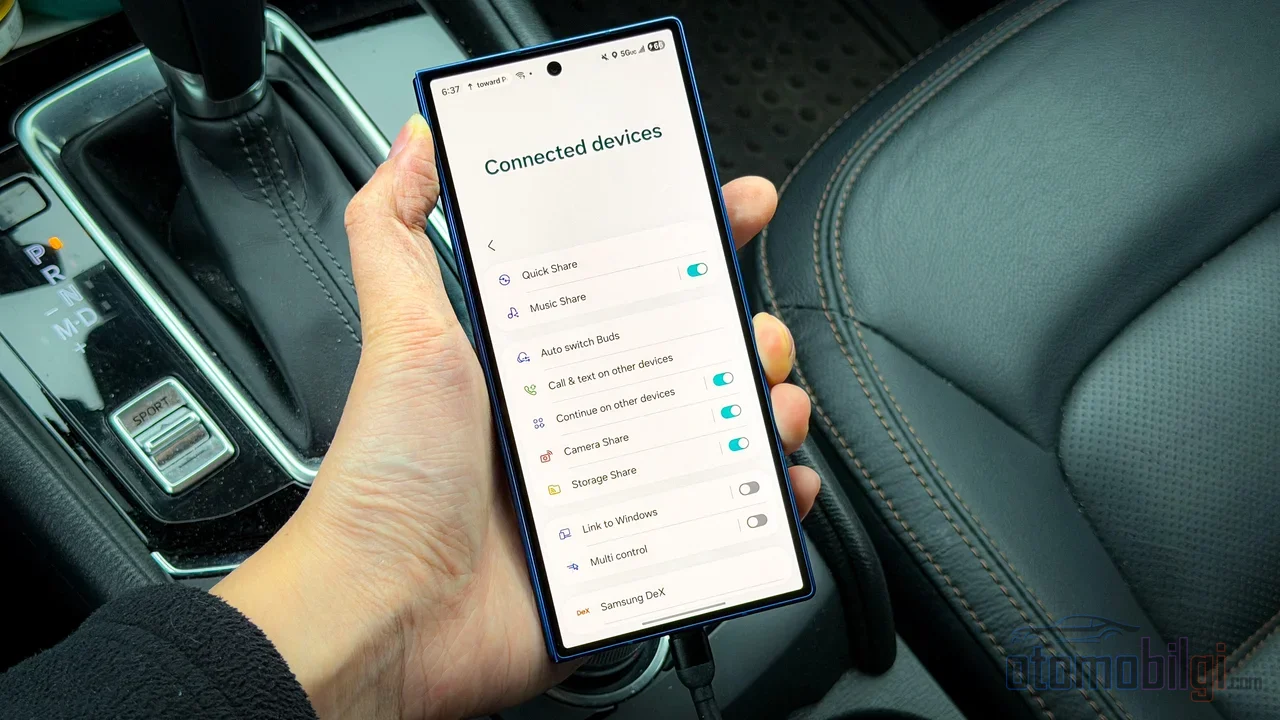
Everything was going smoothly up to this point, but the phone side is the most frustrating part of the whole thing. CarPlay and Android Auto behave like a separate world from the vehicle's own profile system. The car recognizes you and adjusts your seat and navigation; but under which profile your phone will open is not defined with the same clarity in every brand. While some systems tie the phone to a profile, in others only the last connected phone becomes primary and CarPlay opens on it. The other one stays only in the vehicle's in-car interface.
While multiple phones can be set up in the vehicle for Android Auto or CarPlay, only one can be active at a time. This is precisely the most well-known problem of wireless adapters: the phones of two people sharing the same car compete with each other for control. In the morning your phone connects, in the evening your spouse's phone never kicks in, or vice versa. Moreover, when two phones are connected, privacy blurring can occur, such as the other person's contacts flooding the car screen. The car is shared, but each person's contact list is their own.
So what's the solution? Temporarily turning off the phone's Bluetooth on a wireless connection, manually closing the CarPlay session during a driver change and starting it on the other phone, or defining a primary phone separately for each driver from the vehicle's profile settings are the most frequently recommended methods. In some brands, per-profile phone pairing works properly, while in others the system remembers the last driver or the person who remotely started the climate control via the app. So the experience varies from model to model, even from software version to software version. The most honest thing to say is that one car is great at this while another is still in development.
How Do OTA Updates Affect Profiles?
Profiles are a living thing; over time they receive new features and fixes. What enables this is wireless software updates, i.e. OTA. While the car is connected to the internet, the package arriving from the manufacturer's server renews the infotainment system: it improves the user interface, updates the map, enhances voice capabilities, and optimizes streaming services and apps. Since profile management is part of this software, some updates can directly touch profile behavior.
In practice, the update is usually initiated from the notification window while the ignition is off. In some brands this is done over-the-air from the vehicle, but it can also be done with a USB stick or a dealer visit. Checking the software update menu in the settings is the easiest way to see whether your vehicle supports this feature. On first setup, the profile creation wizard also runs automatically, meaning when you take delivery of a new vehicle, the system invites you to set up your profile step by step.
Practical Tips for Those Sharing the Same Car
Sharing a vehicle with your spouse, sibling, or friend is great, but if you set up the profile structure correctly from the start, you won't struggle with it later. Here are the steps that work:
- Create a separate profile for each regular driver; save the seat, mirror, and multimedia settings under your own profile.
- Match your digital key to your own profile; if you use a phone key, set up the sharing link properly.
- Define the primary phone pairing on a per-profile basis; that way, CarPlay switches to the correct phone when the driver changes.
- Always keep temporary drivers in the guest profile; so your settings don't get overwritten.
- If profile recognition behaves inconsistently, try deleting and re-pairing the key.
- When transferring the vehicle, wipe your personal data by resetting the screen to factory settings.
So really, the matter isn't all that complicated: a properly configured profile structure, set up once, turns a shared car into two separate worlds. Everyone gets into their own seat, their own radio, their own destinations. And the car remembers who it's serving at every entry. Do you think this feature will become standard equipment in cars in the future, or is it still an area with room for development? I stand somewhere in between; the technology is impressive, but the fine-tuning is still in our hands.
Sources
- User Profiles - Lucid Infotainment Publications
- How do I set up my vehicle to recognize my Primary User - Toyota Support
- Personalized Profile and Vehicle Settings - Hyundai 2026 Owner's Manual
- Setting up Infotainment System Profile - Cadillac
- Synchronising user profiles - Mercedes-Benz GLC MBUX Owner's Manual
- GM's key - now in your digital wallet - GM News
- Cars That Use Digital Keys in 2026 - Car Connectivity
- Change settings in CarPlay - Apple Support
- How do I add another driver profile to my BMW? - BMW USA FAQ
- Driver Profile - MINI FAQ
- Vehicle user profiles - Polestar 3 Manual
- How to Use Driver Profiles - 2026 Honda Passport
- Moving Non cloud profile to new car - Tesla Motors Club
- User profiles - what they do and don't? - VW ID Talk
- Can either of two phones use Android Auto - Chevy Bolt Forum
- OTA update - Kia webmanual ccNC
- Setting up Infotainment System Profile - Chevrolet Support
- Vehicle Software Updates - OnStar