What's Present and What's Missing in Cars' App Stores?
Share This Page
In-car app stores are now a reality, but they are not a copy of the store on your phone: they offer a narrower selection such as media, navigation, charging and parking apps, and behind everything there are serious safety rules. So what is actually on these screens, and what isn't? Here is a realistic picture of the app world in modern vehicles.
Highlights
- Vehicles with Google built-in come with the Google Play Store pre-installed; apps work without a phone, using the car's own internet connection.
- CarPlay and Android Auto are not app stores, but systems that mirror your phone to the screen; the app is installed on the phone first.
- Games and video apps only open while parked; they close automatically when the vehicle starts moving.
- GM, as of September 30, 2025, shut down the online app catalog in some of its multimedia systems.
What exactly is an in-car app store?
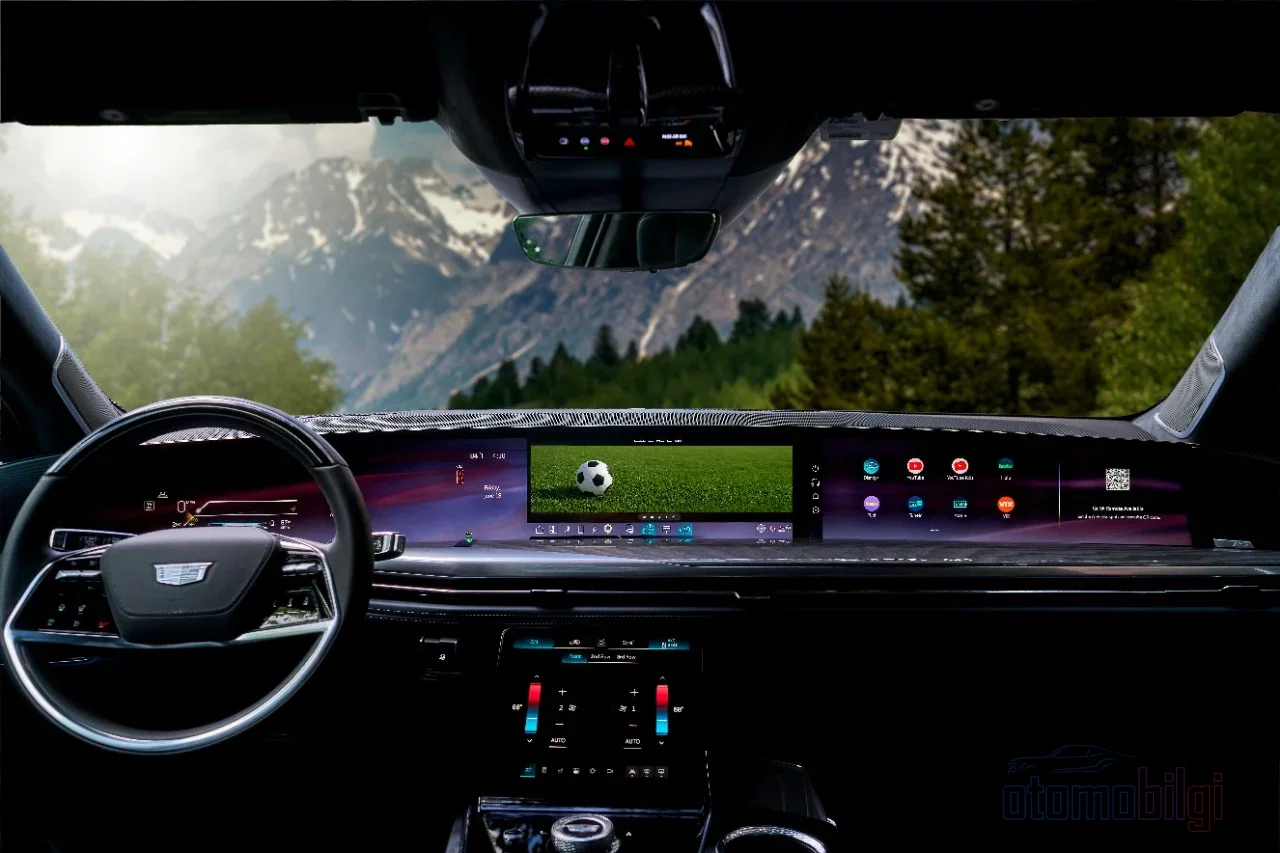
Let me put it simply: an in-car app store is a digital store where you can download apps that run on the car's own multimedia screen. Don't think of it like the App Store or Google Play on your phone; the store here has a much narrower scope, and the apps run on the car's own hardware, using its own processing power. The best-known example is Google built-in, found in brands such as Volvo and Cadillac. Google built-in. In this system, the Google Play Store comes embedded directly in the car, and you can download and use music, podcast and navigation apps. The sweetest part is this: you don't need to connect your phone; the car goes online using its own cellular connection. In other words, everything is ready the moment you insert the key, as if a little phone lives in the car.
Pay attention to the critical distinction here: Apple CarPlay and Android Auto are not stores, they are projection systems. You install the app on your phone first, and when you connect to the car screen, compatible apps appear there. That's why it's completely normal for someone not to see an app in CarPlay; that app either was never compiled with CarPlay support or only offers a widget. So the problem usually isn't in the car, it's in the app itself.
Which apps are actually on these screens?
Now, to get to the real question: these stores of course don't have the millions of apps on your phone, but there is a set that is genuinely useful in everyday driving. Let's look at the categories.
Music, podcasts and audiobooks
The fullest shelves are here. Apps like Spotify, YouTube Music, Audible and Pocket Casts work on both the CarPlay and Android Auto sides. In vehicles with Google built-in, you can download these apps directly to the car from the Play Store. Google has also added a redesigned Play Store to the platform and a seamless handover feature for YouTube background audio. In other words, if your phone drops to 1% while listening to a podcast on a long drive, there's no panic; the app runs inside the car.
Navigation
Google Maps and Waze are Android Auto classics; offline map alternatives like HERE WeGo and Sygic are also available. On the CarPlay side, Apple Maps takes the lead. In vehicles with Google built-in, Maps is already part of the system, and it comes with live traffic information. In GM's OnStar-equipped models, Google Maps, Google Play, and live traffic are right there at hand without you having to take your phone out of your pocket.
Charging, fuel, and parking apps
This is where the hearts of electric vehicle users beat. Charging station finder apps like PlugShare, ChargePoint, and Chargeway work on the car's screen; on the fuel side there are apps like Chevron, and for parking there are apps like EasyPark, SpotHero, and ParkWhiz. Never forget this detail: account setup and payment information stay on your iPhone, and the car screen just uses that data. So you're not trying to enter your payment card at the wheel, which makes sense from a safety standpoint.
Food ordering and voice payment
Apps like Domino's, Panera, or Chick-fil-A have made it onto the car screen, but in a deliberately restricted form: they are designed only for quick, repeatable actions. You can say "reorder my last order" but detailed menu customization stays on the iPhone. Voice payment is also on the way: PayPal and Venmo have introduced voice-activated payment systems for parking meters, tolls, and quick grab-and-go purchases.
Games and video: the privilege of park mode
Here's where you catch the scent of the debate! In 2025, Google brought more than 70 new apps to the platform; games like Candy Crush Saga and Angry Birds 2 made the list, but they can only be played while parked. As soon as the vehicle starts to move, motion detection kicks in and automatically shuts down the game. Netflix, YouTube, and Amazon Prime Video were also added in the second half of 2025 with the same parking restriction. Moreover, this also applies to the video side of CarPlay: third-party video browsing is coming to iOS 27-compatible vehicles, and again only while parked. So there's a "Netflix on the couch" experience, but no "watching a series at the wheel" experience - and in my opinion it should stay that way.
News apps have also been cleverly solved: apps like NBC News, CNN, and BBC offer full video while parked, but automatically switch to audio-only mode when the vehicle starts moving. In addition, GM added more than 200 new apps to its vehicles via Google Play; passenger entertainment is expanding significantly. It was also announced that, under Google's "car ready mobile apps" program, dozens of new mobile apps for use while parked are being brought to vehicles with Google built-in.
CarPlay or Android Auto: an app support comparison
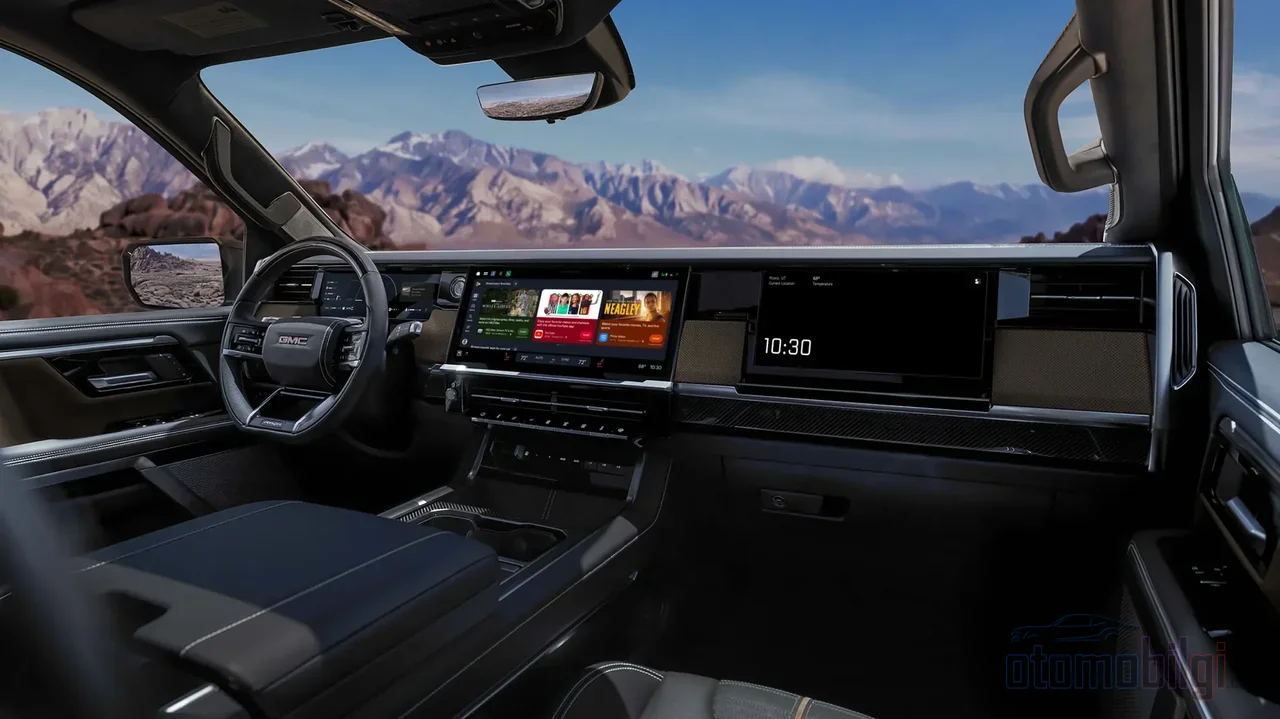
So which one is richer? The short answer: both are more similar than you'd expect. In a 250-mile comparison test, the two platforms turned out to be quite similar in terms of features and app support. The differences lie more in character:
- CarPlay offers a tighter and more consistent interface; Apple's own apps (Music, Maps, Podcasts, Audiobooks, Messages) come integrated with the system. On the AI side, there are voice-based AI apps like ChatGPT, Grok, and Perplexity, but visual output is deliberately kept to a minimum while driving.
- Android Auto has a more open structure and a wider selection of third-party apps; messaging apps like WhatsApp and Telegram work with voice as a priority. According to AAA research, drivers using Android Auto experience 31% less distraction compared to built-in in-vehicle systems.
| Feature | Apple CarPlay | Android Auto | Google built-in |
|---|---|---|---|
| How it works | Mirrors the phone | Mirrors the phone | Runs independently in the car |
| Where do apps come from? | App Store on the phone | Play Store on the phone | Play Store in the car |
| Is a phone required? | Yes | Yes | No |
| Video | With iOS 27, while parked | While parked | While parked |
| Voice assistant | Siri | Google Assistant | Gemini |
In long-term use, one assessment currently puts CarPlay slightly ahead, because the major redesign announced for Android Auto has not yet reached users. But there are also plenty of advocates for the Android Auto side; some users argue that Android Auto is better in terms of stability and interface. My summary is this: both do what they are supposed to do, and the choice largely depends on which team your phone belongs to.
Why doesn't every phone app make it to the car screen?
Here is the real question under the hood. The answer is two words: safety and approval. First, the safety side: Android Automotive has a system called "Distraction Optimization" that automatically reduces the driver's interaction with apps like Settings while the vehicle is in motion. As of Android Auto version 11.4, certain apps are locked with a "P" icon while driving. In the in-car stores of brands like Audi, Porsche, VW, and Mercedes, apps must also meet strict safety requirements; this is exactly where the difference from phone mirroring begins.
The second reason is on the developer side: an app needs to be compiled with CarPlay or Android Auto support. Google marks compatible apps with the "Works with Android Auto" badge, and more than 300 apps with this badge run on Android Automotive OS platforms. In addition, developers can only push code updates in vehicles as fixes, improvements, or content updates; Apple and Google allow these to be sent as OTA updates but never permit adding new functionality in between. In other words, that app-store speed of "released yesterday, on everyone's phone today" does not exist here, and this is a deliberate choice. The reason an exciting app does not appear on the car screen is usually not bad code, but that it got stuck in the approval process. Apple, on its side, continues to keep its developer rules in line with vehicle features.
Why doesn't my app appear on the car screen?
A quick checklist so you don't end up in trouble:
- Make sure the app is installed and up to date on your phone.
- In CarPlay, check under Settings > General > CarPlay > your vehicle > Customize whether the app has been added or is hidden.
- For Android Auto, verify the "Works with Android Auto" badge and the required permissions.
- Make sure you use a USB cable that supports data transfer; cheap cables rarely pay off.
And one growing-pains story: GM shut down the online app catalog on certain NGI multimedia systems as of September 30, 2025; on those vehicles it is no longer possible to browse and download apps. Also, in Android Auto updates some users reported issues with app icons disappearing. The vehicle ecosystem is still settling in, so be prepared for surprises.
Screen size and simultaneity: small but important details
Android Auto typically shows 6-8 apps at once on the vehicle screen; you need to scroll to see more. From the Customize Launcher screen, you can choose which apps appear and in what order. On the CarPlay side, Dashboard, Now Playing, Widgets and Live Activities are not standalone apps, but system features. A nice detail: widgets and Live Activities can appear even in apps that do not offer a full CarPlay interface. So it is quite possible to see your cargo tracking on the map.
The Google built-in side stands out in personalization: as Cadillac describes it, the system can offer automatic suggestions based on your calendar and routine, and gives you quick access to the people you contact most often. Gemini is also available in vehicles; at Google I/O 2026, new Gemini features for Android Auto and Google built-in were introduced, aimed at maintaining focus while driving.
A realistic expectation: is the future the store, or the content?
Let me end with a dose of realism. Some experts argue that the future of the in-car experience is actually not an app store; instead, content will take the wheel, because car screens are not suited to discovery and browsing the way phones are. I think it is a fair point: the way you look at a phone and a car are different, and focus is different for both. You would not want to browse through hundreds of apps while driving, and even if you did, you should not.
So set your expectations like this: the media, navigation, charging-parking and vehicle services side will grow richer every year; the game and video library in park mode will expand. But know that things that would lock you to the screen while driving will not come to the car screen. Limits are not flaws, they are design. So what do you think about this: is the Netflix experience while parked a great innovation, or unnecessary flashiness? Let's discuss in the comments!
Sources
- iOS - CarPlay
- Best CarPlay apps for iPhone [October 2026]
- A new app experience is coming to cars with Google built-in
- Find & download apps for your car - Google Play Help
- Summer drives in your GM vehicle get an upgrade with 200+ new apps on Google Play
- Google Built-In Apps | Cadillac Technology
- Google Built-in | OnStar Features
- Best Android Auto Apps 2026: Complete Setup & Troubleshooting
- I logged 250 miles testing Android Auto vs Apple CarPlay
- What is in-vehicle app store?
- Audi, Porsche, and VW join Mercedes with in-car app stores
- Distraction optimization in Car Settings | Android Automotive
- Latest Android Auto Update Adds Safety Feature Locking Apps While Driving
- What App Stores allow with OTA updates: Apple and Google policy explained