Why Doesn't Your Car Have Every App From Your Phone?
Share This Page
With hundreds of apps on your phone, why do only a handful of apps work on a car screen? The short answer is this: the car screen is not a free app store like your phone; it is a platform subject to strict rules, designed so that the driver's eyes never leave the road. Apple CarPlay and Android Auto only open the door to pre-approved categories such as navigation, audio, and messaging, and even developers cannot draw their own interfaces, being forced to use ready-made templates. So this is not a flaw, but a deliberate design decision.
Highlights
- In CarPlay, apps cannot draw free-form interfaces and must use ready-made templates. is required to use.
- In Android Automotive OS, every app must receive the "Distraction Optimized" label, meaning it is optimized to avoid distraction.
- According to research, phone-based systems are 24% faster for making calls and 31% faster for navigation than vehicles' embedded systems.
- Content such as videos and games usually opens only while the vehicle is parked.
- The automotive OTA update market is expected to reach approximately 25 billion dollars by 2035.
Why Isn't a Car Screen a Smartphone?
Think about your phone: you open the app store, download what you want, delete it whenever you like. There is no such freedom on the car side, and there is a reason for it. Getting lost in a menu on the screen in front of you while traveling at 60-120 km/h is far more dangerous than getting lost on Instagram on your phone. That is why there are clear rules on the regulatory side; for example, the NHTSA in the US published driver distraction guidelines for portable and aftermarket devices, and both Apple and Google built their platforms on this logic.
The second reason is hardware. Car multimedia units, that is, "head units," largely run on proprietary software, and their development processes are much less flexible than phone apps. A phone is replaced once a year, but a car stays on the road for fifteen years. The manufacturer must guarantee that the processor it put in the vehicle in 2019 will still work flawlessly in 2034; that is why it keeps everything as simple and predictable as possible. The "let everyone install whatever they want" model like on phones does not fit this lifespan calculation.
CarPlay and Android Auto Are Actually "Mirrors"
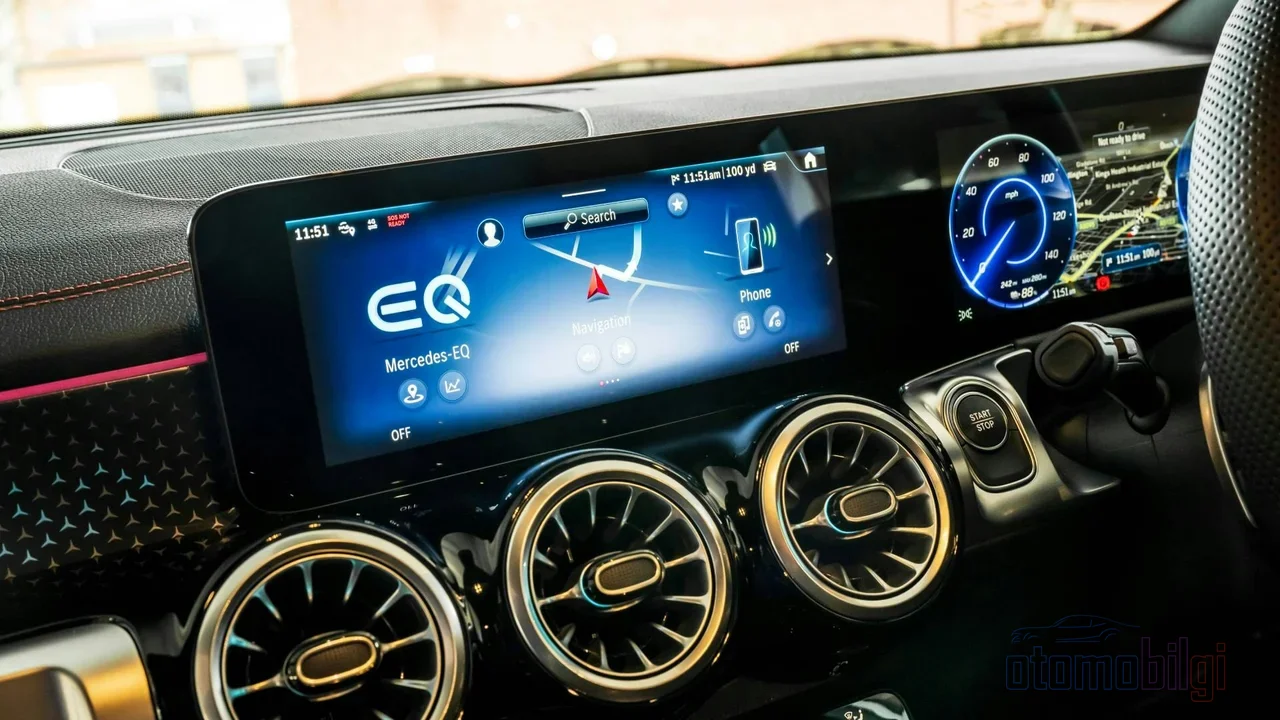
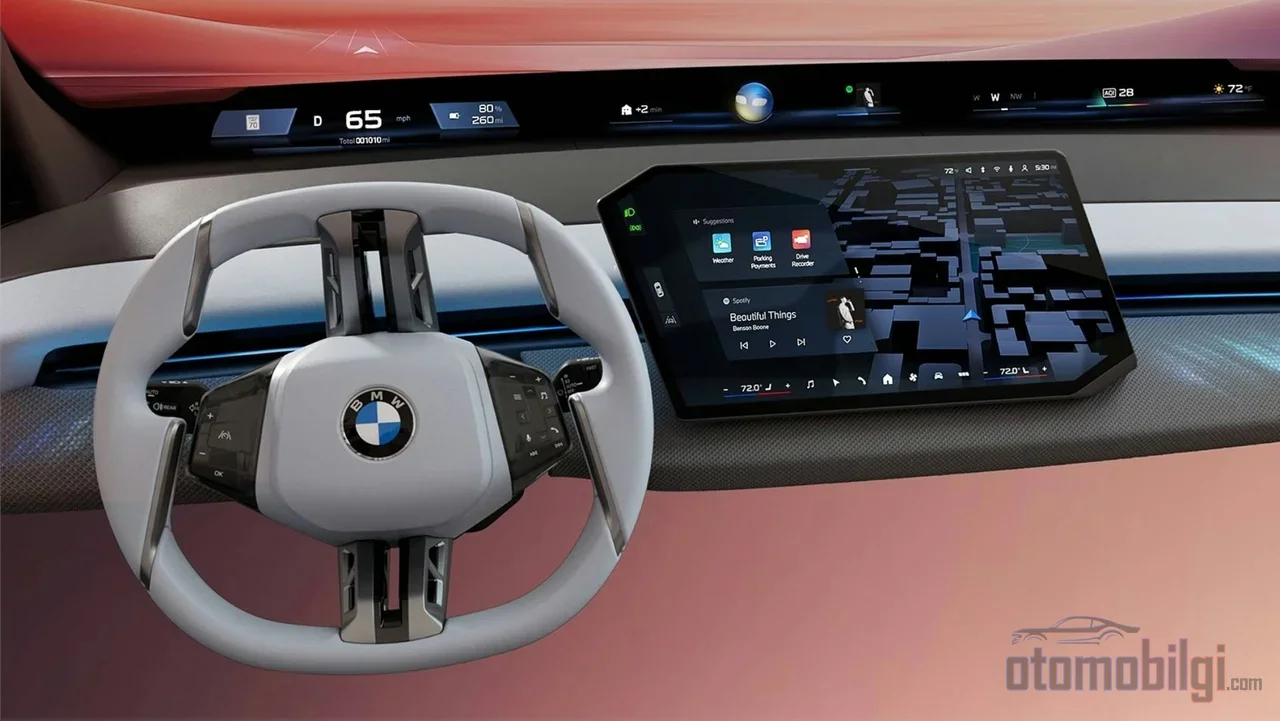
The most critical point here is this: CarPlay and Android Auto are not the car's own operating system. Android Auto mirrors the screen by using your phone's hardware and software almost like a head unit. In other words, the brain of what you see on the screen is usually not in your car, but in your pocket. This is also an indication that what determines the size of the ecosystem is not the car manufacturer, but Apple and Google.
CarPlay brings functions like navigation, music, and messaging from the iPhone to the car's built-in screen; it even offers extras like locking and starting the car with a digital key. But when it comes to app variety, the picture changes. Although CarPlay has more than 140 popular apps, they are stuck in specific categories: Apple's own apps (Maps, Music, Podcasts), third-party navigation (Google Maps, Waze), Spotify and Overcast from the audio world, WhatsApp for messaging, and tools like GasBuddy on the fuel side. The Android Auto framework has also historically focused heavily on media and messaging apps; support for types outside these is quite limited.
Template Requirement: The Developer's Hands Are Tied
Here is perhaps the most concrete reason why the ecosystem has remained so small: CarPlay apps cannot draw whatever they want on the screen. Apple offers developers ready-made templates, and the app must fit within these templates; depending on the driving situation (you're stopped, you're moving), the interface changes automatically. On the Android side, Google's "Design for Driving" requirements impose a similar template logic. There is no luxury here like a game studio being able to build every interface it dreams of in the app store. Apple's App Review Guidelines also set clear rules for developers regarding interface design and functionality.
Think of it with a restaurant analogy: On the phone, it was a free kitchen - the chef served whatever dish they wanted on whatever plate they liked. On the car screen, however, you can only choose from predefined menus, and every plate is served to the same standard. Boring? A bit. But since the shape of every plate and the size of every text has been tested in advance, the driver's screen-glance time becomes predictable. Safety takes precedence over creativity, and this is no coincidence.
What Does the "Distraction Optimized" Label Do?
Android Automotive OS (AAOS), Google's full-fledged operating system embedded directly into the car, takes the matter one step further. Every app running on this system is required to receive the "Distraction Optimized" label, meaning optimized to avoid distraction. And earning this label is not easy: If an app wants to earn this label in its entirety, all of its activities must comply with driver distraction rules. An app that cannot earn the label does not run at all in restricted driving states. So even in AAOS, there is no "install, set, and use" logic; everything goes through a filter.
In daily life, the most visible form of this filter is the parking lock. Google makes some content types (including GameSnacks games) available only when the vehicle is parked. That's why the answer to that famous question is also clear: Netflix or YouTube won't open on the car screen via CarPlay or Android Auto while driving, because these platforms don't support video apps at all for safety reasons. When parked, some vehicles' own systems can offer entertainment content, but it's a very different, restricted version compared to the experience on your phone.
Why Aren't Embedded Systems as Fast as Phone Systems?
If you've been frustrated by the slowness of your car's built-in navigation, you're not alone. Embedded systems lag behind phones in both software and hardware, and this gap is measurable. A study led by David Strayer at the University of Utah found that CarPlay and Android Auto were on average 24% faster than vehicles' embedded systems for phone calls, and 31% faster for navigation programming. In other words, phone-based platforms are not only sleeker, but also less distracting. Let's note that the study was conducted around 2018; but the core finding still holds true.
There's also the data freshness problem. Since smartphones are constantly online, CarPlay and Android Auto can offer up-to-date map and traffic data. In embedded systems, this data becomes outdated over time; map updates are usually obtained by visiting official service points or through a complicated update process. Unfortunately, it's not a system that refreshes itself every morning like your phone.
Can OTA Updates Change This Situation?
This is where OTA, i.e. wireless software updates, come in. Since head units connect to constantly evolving iPhone and Android devices, regular firmware updates are becoming the most important factor extending the life of aging vehicle technology. The market is growing accordingly: the automotive OTA updates market is projected to grow from a volume of 5.2 billion dollars in 2025 to 25 billion dollars in 2035, with an annual compound growth rate of about 17%. As cars become software-defined, the phrase "your car got a new feature" could become as ordinary as an update notification on your phone.
Which Apps Actually Make It to the Car Screen?
Let's look at concrete examples. The types of apps you can safely expect to see on a car screen today are:
- Navigation: Google Maps, Waze, Apple Maps
- Audio and podcasts: Spotify, Overcast and similar media apps
- Messaging: Apps like WhatsApp (mostly for reading and voice replies)
- Driving aids like fuel, charging and parking: for example GasBuddy
- New generation: Artificial intelligence apps like ChatGPT and Perplexity are now supported on CarPlay
The last item is particularly interesting, because Apple's 2026 WWDC26 session ("Rev up your CarPlay app") introduced new CarPlay app categories and announced framework updates for all apps. On the Android Auto side, significant updates focused on interface personalization have also been coming since 2026. So the ecosystem is not frozen; it is expanding slowly but steadily. It is just that the direction of expansion is very different from the phone's: apps that work, navigate, and entertain while preserving driver safety take priority, while passive consumption apps come last.
Safety or Control? The Second Face of the Debate
The official justification is always driving safety; NHTSA guidelines and Android's official documentation make this clear. But the whole picture is not that clean. For example, GM made headlines with its decision to remove Apple and Android apps from its vehicles; this move sparked debates about brand control and data ownership. The manufacturer does not want to hand over the user experience to Apple and Google; it wants to collect usage data, revenue, and insights itself. Some users even report that manufacturers charge with a per-feature subscription model, for example demanding $9.99 per month for navigation in a 2023 model vehicle. These individual accounts should be taken with caution, but they are part of the picture.
Users frequently report that even speed restrictions in CarPlay are controlled by the automaker, and that some manufacturers restrict certain functions. So it is not only Apple and Google knocking on the door, but also the car's brand. How-To Geek's criticism in July 2026 points in the same direction: while manufacturers pour money into larger screens and embedded apps, the real need is better phone integration, because a car is used for years but the technology inside it ages quickly.
Where Is This Ecosystem Heading?
In the period ahead, two forces will work at the same time. On one hand, Apple and Google are growing the ecosystem with careful steps by opening new categories within the template framework (AI assistants are a good example of this). On the other hand, Google, with the new framework it announced on March 24, 2026, paved the way for automakers to use Android to manage non-safety-critical systems such as climate control. Android in the car is going deeper, beyond the screen, into the car's nervous system. Although the primary source of this news could not be verified, it is a development that points the way.
Don't be sad just because you have an older car: Thanks to plug-and-play portable CarPlay screens, it's possible to add modern connectivity later on; in 2026 testing, these screens have become quite mature. In short, the in-car app ecosystem looks disconnected from the phone and small, but the reason isn't laziness; it's a balance struck between safety certification, hardware lifespan calculations, and manufacturers' desire for control. When you reread this article next year, you may find the list a bit longer. What do you think will be the first new category to reach everyday life - AI assistants, or finally a park mode where we can watch something? I'd put my money on the former.
Sources
- iOS - CarPlay (Apple)
- Rev up your CarPlay app - WWDC26 (Apple Developer)
- App Review Guidelines (Apple Developer)
- Driver distraction guidelines (Android Open Source Project)
- Car app quality (Android Developers)
- Templated app requirements - Design for Driving (Google)
- Visual-Manual NHTSA Driver Distraction Guidelines (Federal Register)
- Smartphones less distracting than car programs (University of Utah CSBS)
- Infotainment Systems vs. CarPlay and Android Auto (Consumer Reports)
- Best CarPlay apps for iPhone in 2026 (9to5Mac)
- Android Auto will not allow you to use these apps while driving (Croma Unboxed)
- Why is GM getting rid of Apple and Android car applications? (LinkedIn - Jacob Eberhart)
- Automakers are obsessed with bigger screens (How-To Geek)
- Head Unit Longevity (Vhedia)
- Android Auto vs Android OS (XDA Forums)
- Automotive Over-The-Air (OTA) Updates Market (Future Market Insights)
- Best CarPlay Screens of 2026, Tested (Road & Track)
- What to Consider When Integrating In-Vehicle Apps (In Compliance Magazine)