Three Paths in Multimedia Upgrades: Which One Is Right for You?
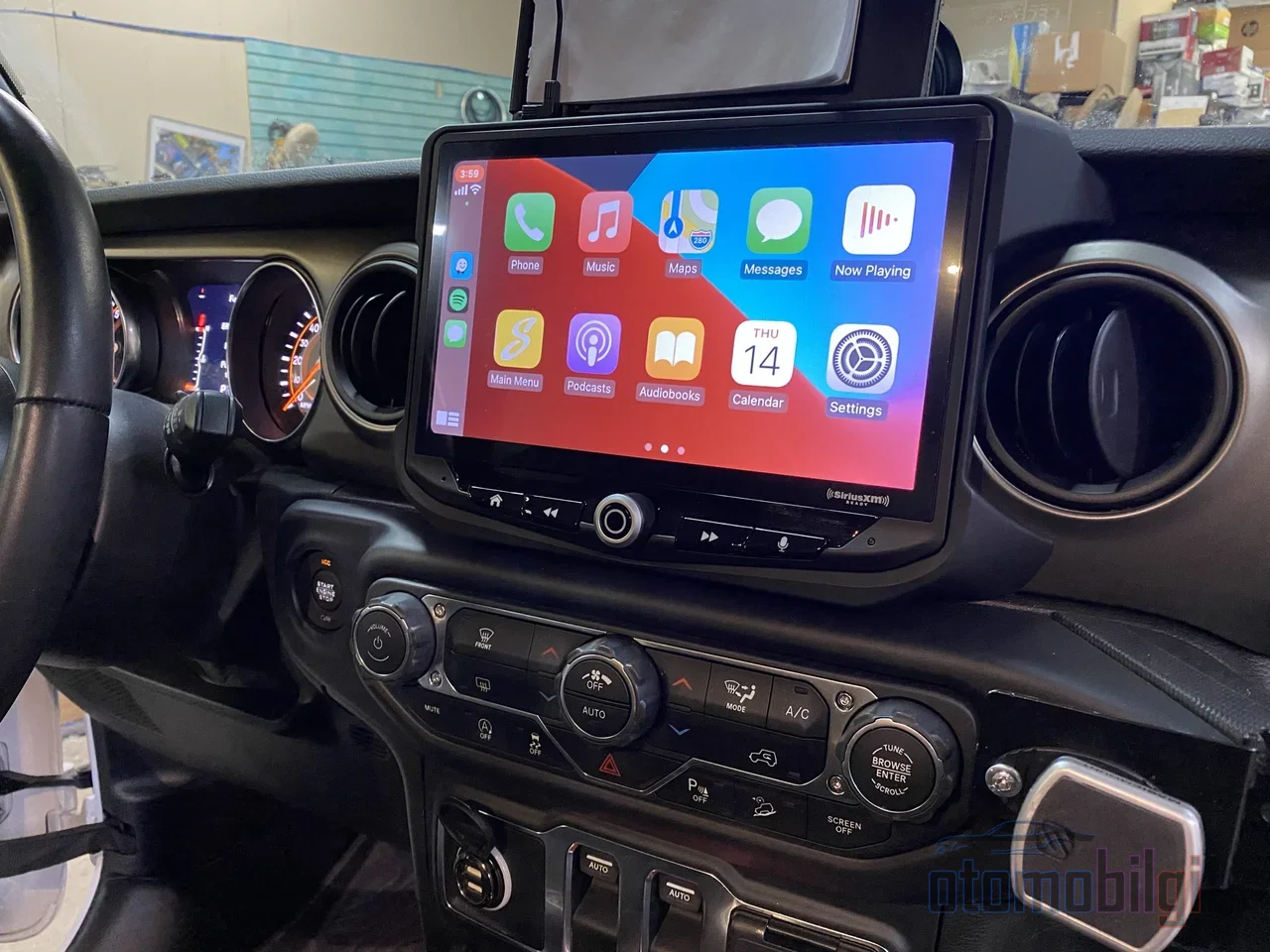
A giant screen is mounted on the car's center console, and it looks so sleek that your hand instinctively reaches for your wallet, right? But hold on a second: when you remove the factory radio, will the climate controls, backup camera, and steering wheel buttons still work? Will the warranty be gone? This is exactly where the aftermarket multimedia unit question becomes critical. On this page, we will talk about how different an aftermarket multimedia unit is from the factory system, what risks it carries, and for whom it really makes sense.
What Is the Difference Between an Aftermarket Multimedia Unit and the Factory System?
First, let's clarify the philosophy of the matter. A factory multimedia system is part of a whole designed from scratch for the vehicle: every menu, every button, every screen is designed for that car. The result is usually stable and consistent, but flexibility is weak; customization options are limited, and smartphone integration is either nonexistent or comes at an extra cost.
An aftermarket unit, on the other hand, is a completely different life form. With its own operating system (mostly Android or Linux), its own Bluetooth module, its own multimedia management, and its own interface, it is an independent infotainment system. Its priority is flexibility and expandability: wireless CarPlay and Android Auto support, equalizer settings, and amplifier and subwoofer connections are things you won't find in a factory system.
Also know that replacing the unit is not just installing a screen; it means replacing the entire infotainment experience of the car with a new system. If your car feels a bit different after installation, don't panic - it's not a malfunction, it's a natural transition process.
Highlights
- An OEM CarPlay integration kit costs roughly 300-850 dollars in total, while aftermarket kits require a budget starting at 530-1,950 dollars.
- In the same four-channel setup, aftermarket units generally deliver two to three times the sound power of OEM units.
- Installing an aftermarket part alone does not void the car's entire warranty; the dealer must prove that the failure originated from that part.
- In a properly installed aftermarket unit, steering wheel controls and the backup camera can be preserved in most vehicles.
There Are Three Different Upgrade Paths and They Are Not Interchangeable
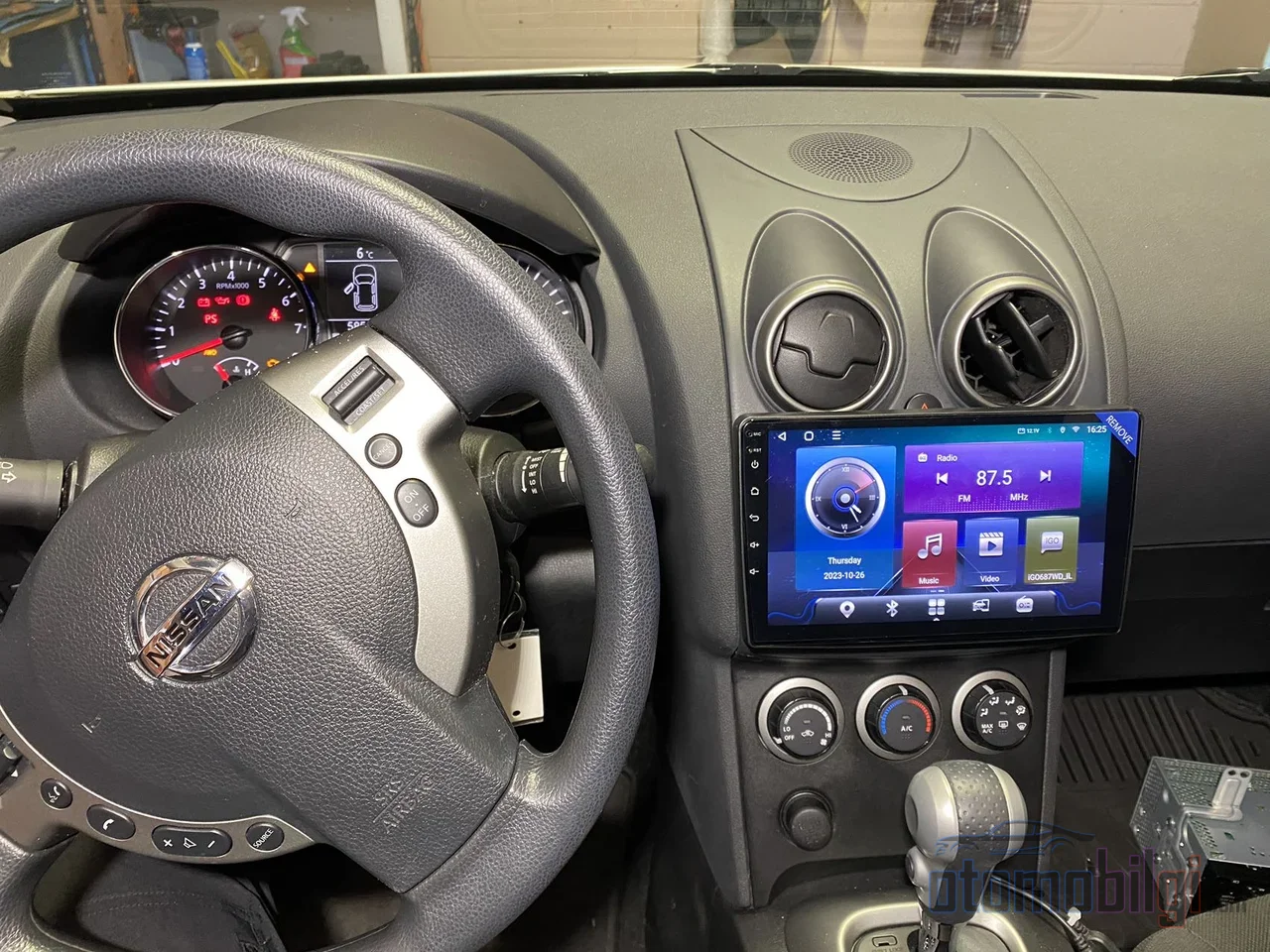
Yes, what we call "multimedia upgrade" is not a single product. There are three main approaches, and your car and expectations determine which one you choose.
- CarPlay/Android Auto integration module: It preserves the factory screen and is the least invasive path. Steering wheel controls, original menus, backup camera, climate info, and the factory sound system largely stay in place. The downside: you can't grow your current screen's size and resolution no matter how much money you spend.
- Tesla-style large screen replacement: It radically changes the look, installation is medium-to-high difficulty, and it is generally more expensive.
- Traditional single-DIN or double-DIN head unit: The most sensible option for older cars with a standard radio slot and less integration.
So here's the golden question: not "which system is best," but which problem am I trying to solve? Is your screen too small, or do you have no phone connection? Your answer determines the path.
OEM Integration Kit or Aftermarket Head Unit?
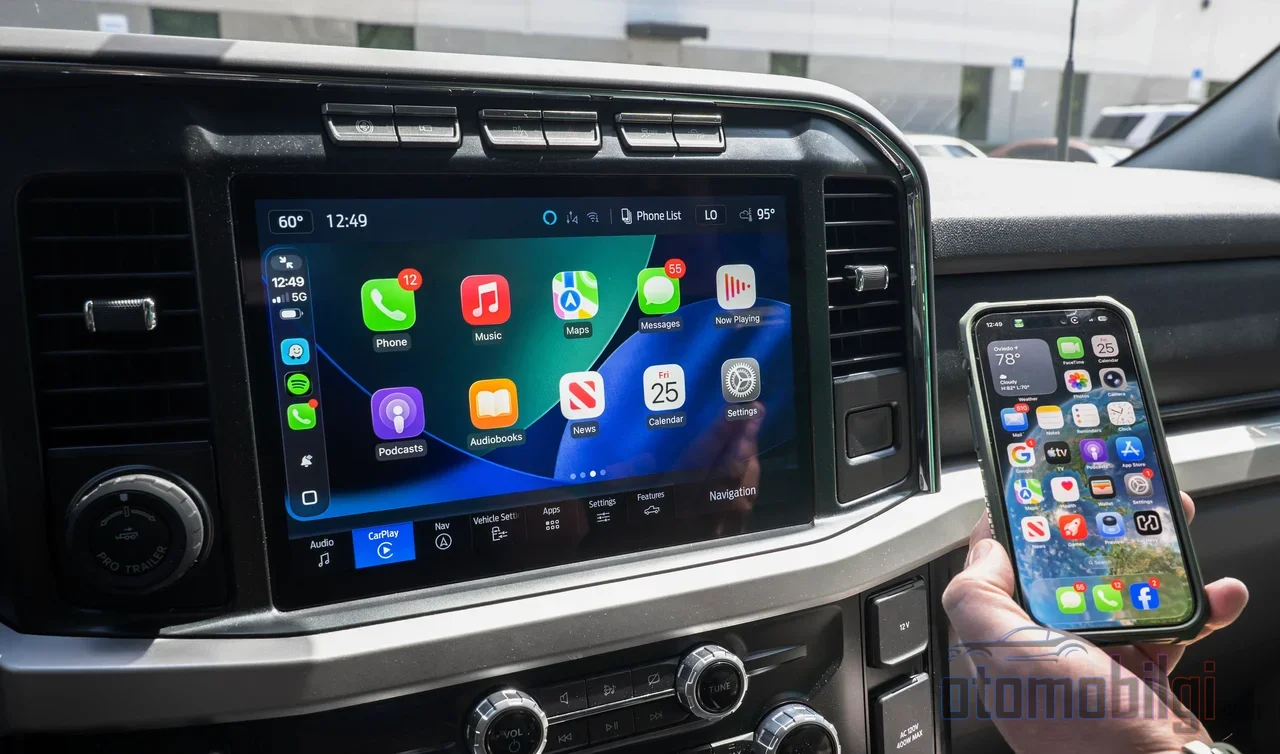
An OEM integration kit adds CarPlay (and usually Android Auto as well) to your existing factory radio and screen. Your factory radio, screen, steering wheel controls, satellite radio, climate display, vehicle settings menus and, in most cases, the radio's factory warranty all stay exactly as they are. In return, you accept living within the limits of the factory screen.
On the aftermarket head unit side, brands like Pioneer, Kenwood, Sony and Alpine are waiting for you with larger, generally sharper screens starting at 7 inches and going beyond 10, built-in CarPlay/Android Auto support, audio tools like an equalizer and time alignment, and amplifier and subwoofer inputs. But there is a price, both from your wallet and in features; we will get to that shortly.
| Criterion | OEM CarPlay Kit | Aftermarket Head Unit |
|---|---|---|
| Total cost | Approximately 300-850 dollars | Approximately 530-1,950 dollars and up |
| Screen | Factory screen is retained | 7-10+ inches, higher resolution |
| Factory functions | Almost fully retained | Partially retained, carries risk |
| Audio settings | At factory level | Equalizer, amplifier, subwoofer support |
| Long-term reliability | Considered higher | Varies by product and brand |
| Warranty risk | Low | Risky if installed incorrectly |
CANbus, Steering Wheel Controls and the Camera: The Heart of Compatibility Risks
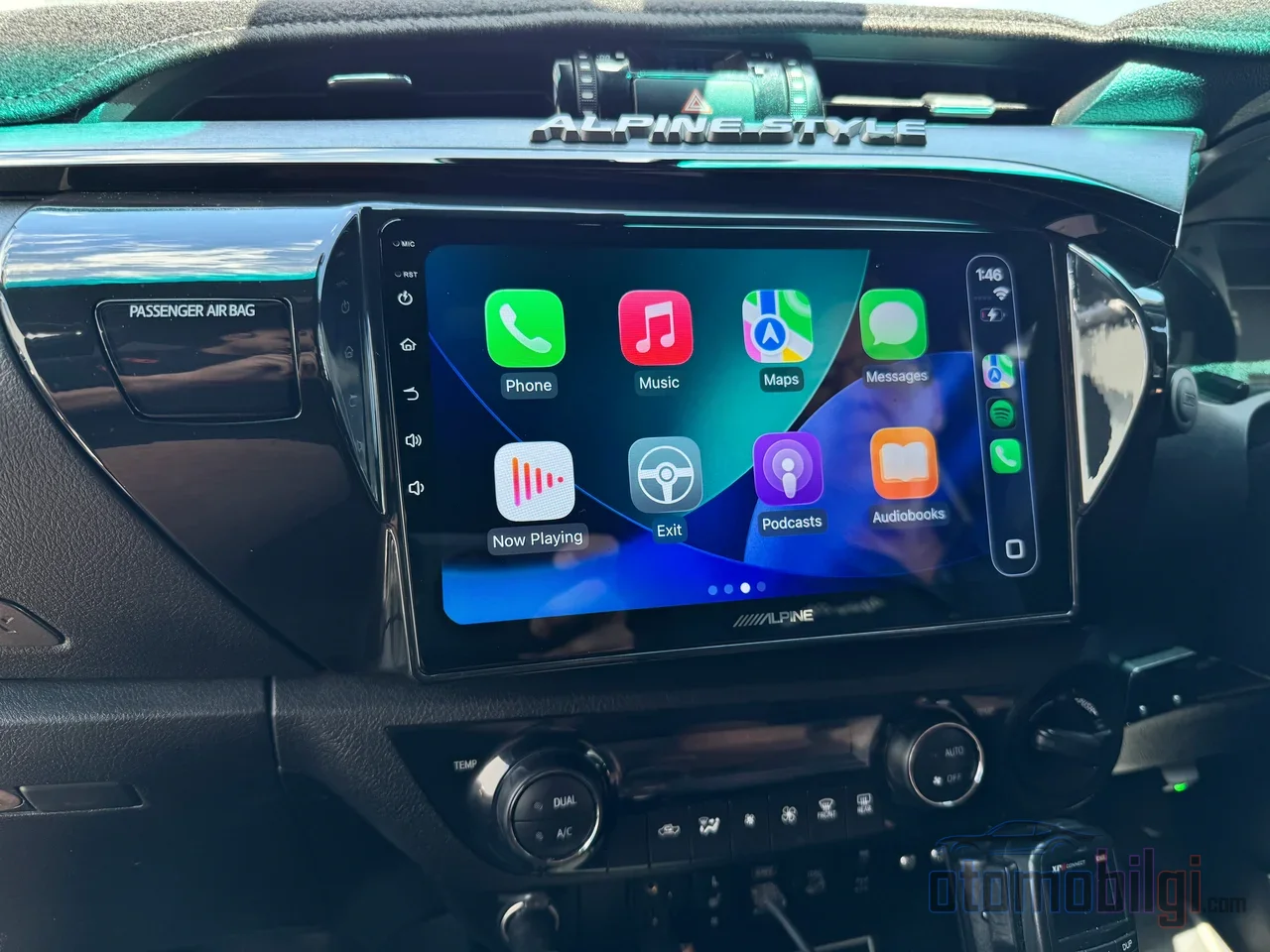
Now we come to the technical but most critical part of the job. In modern vehicles, signals between modules travel over the vehicle's internal communication network; known as CANbus in the English literature, this system can be compared to the vehicle's nervous system. If the new unit you install cannot read these signals correctly, your steering wheel buttons go silent, your camera image disappears, and in some vehicles, fault codes and warning messages can even be triggered when the original radio is removed. That is why some vehicles require an additional CANbus decoder.
The good news is this: steering wheel controls can be retained with adapters in most vehicles. Plug-and-play CANbus adapters that match your vehicle's protocol transfer the button assignments to the new unit. Real user experiences are also promising; some report that the factory backup camera, steering wheel controls and the USB/Aux ports on the panel continue to work just as they did with the original radio, while others solved the problem simply by programming the steering wheel buttons. So it is not a gamble, but a job that requires finding the right part.
Before buying, be sure to check the following: does the backup camera open automatically when reverse gear is selected, if there is a 360-degree view system can full surround integration be set up, and are the parking sensors and climate information carried over to the new unit?
Sound Quality: The Aftermarket Unit's Strongest Card
Let's be honest, sound is the overwhelming advantage of the aftermarket side. The first and foremost factor determining sound quality is the DAC inside the unit, that is, the digital-to-analog converter chip. Factory radios generally use more modest DACs and do not deliver high-resolution audio; aftermarket units have a wider frequency response. In the same four-channel setup, aftermarket units typically produce two to three times the power of OEM units, offering higher amp output and a better signal-to-noise ratio.
But I owe you a warning here too: cheap Android units commonly suffer from poor amplifiers and low preamp voltage. So an "Android" label on the box does not guarantee good sound; quality depends on both the hardware and the software application.
Wireless CarPlay, Software Updates, and a Bit of Reality
Wireless CarPlay and Android Auto are truly practical for short daily trips; you connect without taking your phone out of your pocket. Since the wireless connection uses Wi-Fi for data, it offers speed beyond Bluetooth. Some Android-based units have adapters available that upgrade wired CarPlay to wireless; however, they do not work with every unit - the unit must support wired CarPlay or Android Auto. On the battery side, navigation, streaming, and wireless connectivity drain the phone faster; charging with a cable is still sensible on long trips.
The software side is the most painful part of the aftermarket world. Some claims of Android 14 and above in the Android head unit market can be found to be fake, with the actual version not matching the low API number. Manufacturer software updates may not follow Apple's and Google's CarPlay/Android Auto developments. It has been observed that a phone update at the next model level broke some aftermarket Android Auto connections, and conversely, reverting to factory settings caused the problem. There are even users who completely locked their unit after failed update attempts; the risk is real.
Vehicle manufacturers also perform dealer software updates, and after these updates, glitches may appear in aftermarket cameras or interfaces. The first step is to check the settings, and the second step is to contact the unit's manufacturer support with the vehicle year/make/model, kit model, and purchase date.
What Is Actually Happening with the Warranty?
This is the most feared topic, and the answer is calmer than you think. Under the Magnuson-Moss Warranty Act in the US, installing an aftermarket part alone does not void the vehicle's entire warranty. The rule is this: In the case of an unrelated failure, the dealer must prove that the failure was caused by the aftermarket part. If they cannot prove it, they cannot avoid warranty service.
Still, there are nuances. Using a model-specific plug-and-play wiring harness should not affect the warranty of the rest of the vehicle, but the head unit itself is now outside this coverage. And you assume the risk of damage caused by faulty installation. Practical note: keep the original radio; vehicles with the factory radio installed retain their value better, and you may want to reinstall it before selling.
Who Is an Aftermarket Multimedia Unit a Good Idea For, and Who Should Skip It?
And time for a clear answer: if you only want CarPlay and don't want to spoil the factory experience, an OEM integration kit gives a faster, cheaper and flawless result. On the other hand, if you're building a custom sound system, if the factory screen is too small, or if your car is old and its radio works on its own, an aftermarket head unit is a clear win. In modern or premium vehicles where the radio is the center of climate control, camera and driver assistance systems, replacement is risky, and keeping the factory system is generally the smarter move.
Contrary experiences are also part of the truth: a Golf GTI owner wrote that he regretted it because, despite the big screen and wireless CarPlay being nice, he lost the ability to change drive modes and the amplifier quality was poor; another user, however, describes the same style of unit as the best upgrade they've made to their vehicle. The difference lies in the vehicle's level of integration and the quality of the chosen product.
In 2026, the direction of the industry also offers a clue: rather than flashy features, the emphasis on integration is coming to the fore, and the concept of "radio" is slowly evolving into a "cockpit platform." Among long-lasting brands, Kenwood, Pioneer, JVC, Alpine and Sony are recommended; don't forget to source the dash kit and wiring harness separately. Cheap Android units are known for misleading feature claims, low hardware quality, slow warranty processes (sometimes months of waiting for a replacement board) and poor sleep mode design, with the risk of straining the alternator and battery. The final word is this: an aftermarket unit makes sense when the right product meets the right vehicle with the right installation; if any one of the three is missing, keep the factory system.
Sources
- OEM CarPlay Upgrade vs Aftermarket Head Unit - Which Is Better?
- Aftermarket Infotainment System: Types & Fitment
- Why Your Car Feels Different After Installing an Aftermarket Head Unit
- Aftermarket Infotainment System vs Factory System
- Do Wireless CarPlay Adapters Work with Aftermarket Head Units?
- Keep Steering Wheel Controls After Stereo Upgrade
- Will installing a Tesla screen or aftermarket headunit void my warranty?
- Why the Android Head Unit Market is High-Risk