Why Does the Navigation Map in Your Car Stay Older Than the One on Your Phone?
Share This Page
The navigation map in your car becomes outdated compared to the one on your phone, because embedded systems use licensed offline map data; updates come between once and four times a year compared to the app on your phone, and sometimes they are sold for a fee. So even if your perspective is right, the data flow behind the map operates on a completely different model.
Highlights
- Roads and points of interest up to 15% per year can change at a rate of.
- Some brands release map updates 4 times a year , while others only once a year issue a release.
- Adding a missing address on an offline map can take about 1 year , while on connected navigation it takes a few weeks.
- Many brands offer map updates 3 years free of charge for a period like this, after which a renewal purchase is required.
- Updates via USB/SD can take between 20 minutes and 3 hours .
Why Is Your Phone's Map Always Up to Date, But Not the Car's?
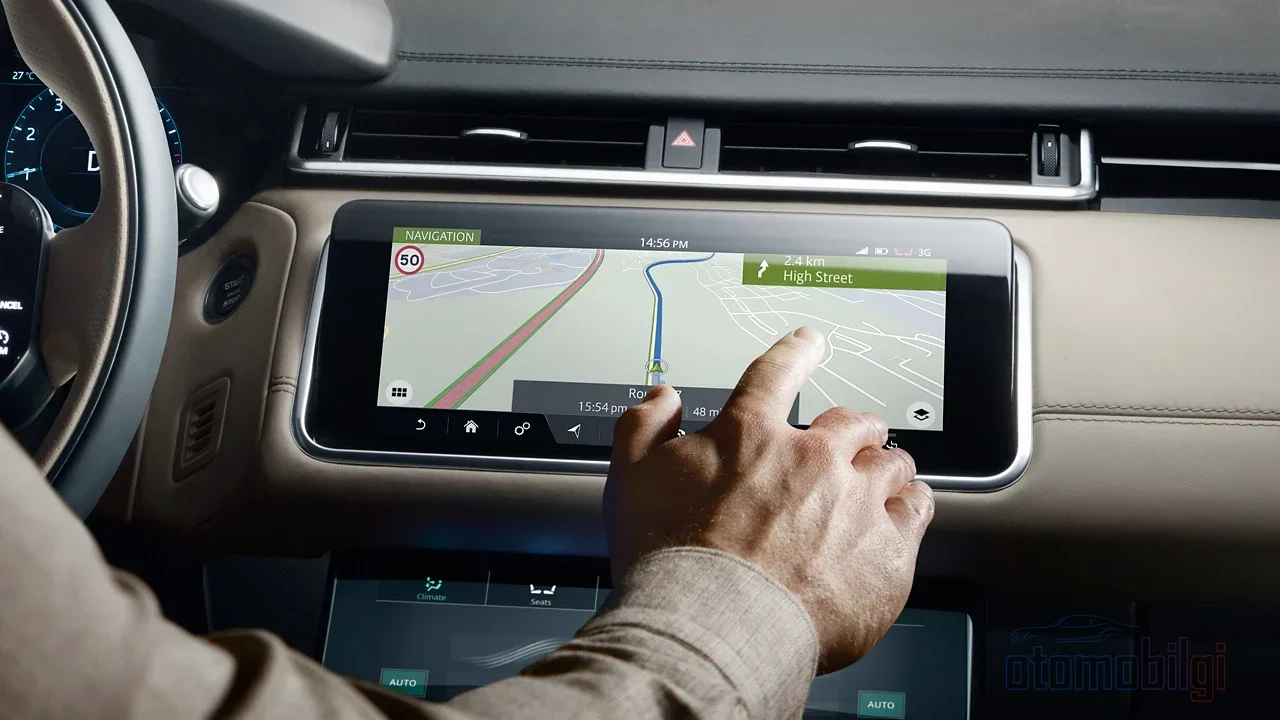
First, ask yourself this: when did the navigation app on your phone ever give you the hassle of installing an update? Probably never. Because the maps there are renewed continuously, automatically, and free of charge. In-car systems, however, live in a completely different world: most of them, instead of a live map streaming from the internet, use offline map databases embedded in the vehicle's memory. This data is licensed from map provider companies - meaning even the manufacturer buys these maps like paper.
The licensing model is the heart of the matter. The revenue of a cheaply sold device or a standard multimedia system is attempted to be covered by updates sold later. On the phone, this cycle works in reverse: since the app's wealth, data, and user base are constantly connected, the map can renew itself almost every day. You can think of the in-car system as a library that downloads data in one go via cable or wireless internet and then lives on its own for a long time.
There is also a freshness problem: even the most current map data can be about 1 year old due to the compilation and testing process. So the journey from the data preparation line to the multimedia screen is long, and along that road, the world keeps changing.
How Quickly Does Map Data Actually Become Outdated?
You might say "so what if a street's name changes," but the numbers say otherwise: roads and points of interest can change at a rate of up to 15% per year. Newly opened intersections, closed stations, changed speed limits... When you drive for a year with an outdated map, all of these weigh on you. That's why updating is not mandatory, but it is a seriously sensible move.
The same difference also shows itself in online and offline searches: on connected navigation, a missing piece of map data is added within a few weeks, while on an offline map this period can stretch to about 1 year. The speed difference between the two systems presents itself as such a concrete advantage.
The following table clarifies the update rhythm by brand:
| Brand | Free updates | Release rhythm |
|---|---|---|
| BMW | Automatic updates | 4 times a year |
| Genesis / Hyundai | Two map releases per year | Spring and autumn |
| Land Rover | Free for the 3-year warranty period | Via download |
| Chrysler (some models) | Variable | Typically once a year |
| Many brands | Free map updates | Through an annual subscription/period model |
How Do Updates Arrive: OTA, USB, or a Dealership Visit?
Here comes the most annoying part of the whole business: the way an update reaches you varies considerably from brand to brand. There are three main routes, and each of them can have its own frustrating quirks.
OTA: The Update That Comes Over the Air
OTA, short for over-the-air, means an update delivered through the air. While the vehicle is connected to the internet, the multimedia software and maps refresh themselves. Hyundai supports downloading and installing maps over the air via Bluelink, and GM also delivers new features and improvements to connected vehicles through OnStar. With OTA updates, vehicle settings are changed, navigation is kept up to date, and bugs are fixed. Some users say OTA doesn't work flawlessly on every vehicle, meaning that if an OTA update fails, the dealership may be the only solution. There is also a rule GM owners should know: on new model vehicles, an OTA update must be installed within 45 days of its release.
Doing the Installation Yourself with USB and SD Card
You download a map update program to your computer, purchase the update or download it if it's free, then plug the media into the vehicle and wait. With Genesis, the download is free, but if you request the media by post you pay 25 dollars plus shipping. The process can take anywhere from 20 minutes to 3 hours, and during that time the engine needs to be running - so the battery doesn't die. There is also a point of no return: after the update, it's not possible to roll back to the old map version. In other words, once you install it, it's done - there's no going back.
Dealership Update: The Most Classic Route
With some brands, map updates are still installed at the dealership. Among users, it's a commonly discussed topic that Toyota's navigation and map updates require dealership installation, and that the maps come not from Google but from map provider companies. In other words, you're not searching for the same thing as the map on your phone - your vehicle may be running a completely different data source.
Which Brands Offer Free Map Updates?
And here's the real question: which updates come free of charge after the initial purchase? Some brands handle this with a proper solution. 23 automotive manufacturers are covered by a program offering free map updates, with BMW, Nissan, Mercedes, Kia and Volvo standing out on this list. With Land Rover, map downloads are free for the standard 3-year warranty period, after which a renewal must be purchased. On the Genesis and Hyundai side, two map releases arrive each year, but older models - generally vehicles from 2013 and earlier - get only one release per year.
This program is called MapCare. The idea here is very simple but very sensible: you buy the free update entitlement up front. Among users, a similar view is also circulating - the lifetime update option costs a few dollars more upfront but saves serious money in the long run. Some drivers mention user-shared reports like 149-dollar map update invitations or "3 years free, then a monthly fee"; these are not official policies, but real experiences. So the moment you need to ask your dealer about the update policy before buying is very clear: the answer varies depending on the model year.
The New-Generation Connected Navigation Difference
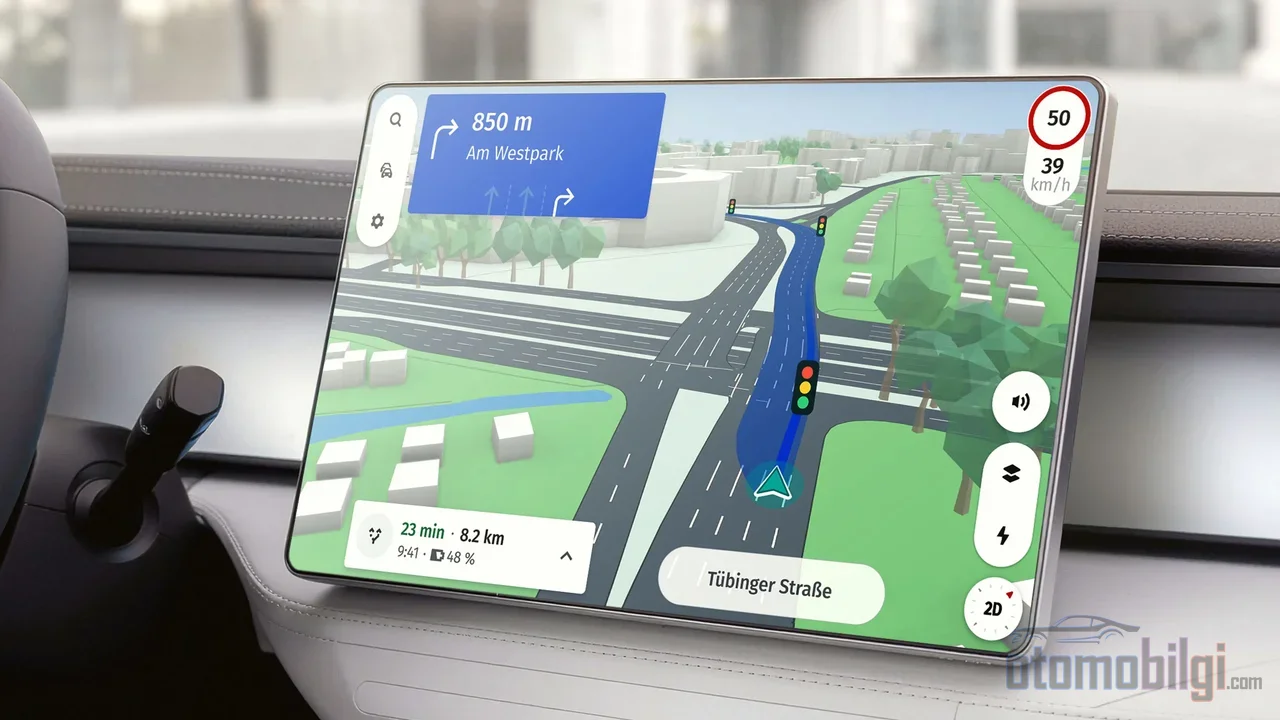
Is it only phones that stay up to date? No, because map providers are not standing still either. The new idea here is that connected navigation software automatically refreshes its map data through a continuous feedback loop. Speed limits, incidents, and road condition data update on their own. Features like cloud-based route calculation, charge-aware EV routing, and lane-level guidance are also part of this new-generation system; they are already in use in some premium and new-generation vehicles. So having your car's navigation as fresh as your phone in the future is not a dream, it is just not yet a reality spread across all cars today.
Hyundai has a similar step on its side as well: all Hyundai models equipped with ccNC are offered an online map download feature, with an always-up-to-date map promised. In other words, manufacturers have also noticed this falling-behind problem, and they are gradually moving the solution to the OTA side. Consumer Reports and industry publications also emphasize that OTA updates have now become widespread in new vehicles - as of 2026, this is not a luxury, it is standard.
How Can You Check the Map Version Yourself?
My most practical advice to you is this: find out the map version in your vehicle and compare it with the current version. In doing so, here are some ways:
- Genesis/Hyundai: Look for the physical "MAP" button or see the map version number from the SETUP > System/Sys Info screen. For example, a driver seeing 10.47.xxx can install version 13.47.xxx.
- Toyota: The version is displayed via the SETUP > General > System Information menu.
- BMW: On the iDrive screen, open the map and you can see the version with the "option" button on the controller.
- Ford: Enter your vehicle's VIN number on the SYNC and navigation update page and run an update check.
- Uconnect/Chrysler: To find the correct model year, look at the 10th digit of your VIN number.
If you see a number lower than the current version, the technical part of the update is ready. You just need to determine the installation route.
When Does Switching to the Phone Make Sense?
No one denies the real advantages of in-car navigation: The screen is big, the phone isn't a distraction, it works even in areas with weak cell coverage, and it doesn't use your phone's data. On long journeys, in regions with poor signal, and even as a backup power source at home, in-car navigation still does its job. But in the city, with frequently updated roads and newly busy areas, where the phone almost always offers fresh data, is free, and user habits are already in place, it is undeniably the most cost-effective option for many drivers.
So what is my recommendation? You can think of it this way: Use in-car navigation as the backup plan and your phone as the main pilot. If the in-vehicle system has a current version and OTA works, great, don't touch it. If not, connecting your phone to the screen via CarPlay or Android Auto is the most practical solution. Also, keep in mind these two comparisons:
- In-car navigation: Works offline, needs no signal, doesn't drain your phone, but its data ages.
- Phone: Always up to date, free, an interface you're familiar with; but it needs signal and battery charge.
Conclusion: Accept Falling Behind as Normal, but Approach It with a Plan
Your car's map being older than the one on your phone is not a software bug, but a natural result of how the system is designed. Licensed offline maps, an update rhythm that varies from one to four times a year, and renewals that sometimes come at a cost make this lag natural. What you need to do on your part is very simple: Check your car's map version, find out whether the OTA, USB, or dealer update method applies, and know when your free update period ended. Don't wear yourself out with the rest - if you want the latest, connect your phone to the screen, and keep in-car navigation in your pocket like long-trip insurance.
Sources
- Update your Navigation System Map - HERE navigation.com
- Connected Navigation | HERE Technologies
- Free map updates for your car with HERE MapCare
- Frequently Asked Questions about your Vehicle's Map Update - Genesis
- Map Updates | Land Rover
- How often are Automatic Map Updates released? - BMW USA
- General FAQs - Navigation Map Updates - HERE/Chrysler
- Over-the-Air (OTA) Map Updates Using Bluelink - Hyundai
- Vehicle Software Updates - OnStar
- OTA Updates Can Make Your Car Quicker, More Efficient - Capital One
- How do I get the latest map updates for my SYNC system? - Ford
- Hyundai Introduces Online Map Download - Hyundai News
- OTA Car Software Updates: Are They Safe - Consumer Reports
- CarPlay vs Built-In Navigation - BeatSonic