Why Is Phone Screen Mirroring in Cars Still So Limited
Share This Page
Mirroring, which directly projects your phone's screen onto the car's screen, is technically possible in most vehicles; but manufacturers either offer it only while parked or not at all. The reason is both the law and safety designs trying to prevent visual distraction: CarPlay and Android Auto deliberately operate as closed systems, and raw mirroring remains locked in most places. In this article I explain why, how it works, and what you should really expect.
Highlights
- Miracast is roughly HDMI over Wi-Fi a point-to-point mirroring protocol that works
- CarPlay and Android Auto only show approved apps; video services are specifically blocked
- Arizona law prohibits use of a screen positioned within the driver's view while in motion
- Adapter-based solutions average 99 dollars in price with under 200 ms latency being typical
- iOS 26 brings video watching via AirPlay in CarPlay only while parked brings video watching via AirPlay
How exactly does raw screen mirroring work?
Let's clarify one thing first: what we call mirroring is the exact copying of everything on the phone's screen (home screen, all apps, videos) onto the car's screen. There's no fancy, simplified interface like in CarPlay or Android Auto. Think of the phone's display as a video stream; the car screen is watching this stream.
The best-known protocol that does this is Miracast. The technical side is like this: Miracast establishes an encrypted point-to-point connection over Wi-Fi Direct. In other words, the phone and car don't even connect to the same home network; the two set up their own mini network directly. User manuals call it roughly a technology that replaces cables with radio waves, so you can think of it as HDMI over Wi-Fi. The specification side is impressive: 1080p video with H.264 codec and 5.1 surround sound support.
So why does it still cause problems? Because Miracast requires three things to align at the same time: wireless chipset support, operating system support, and driver support. If any one of the three is missing, it either doesn't open at all or opens and gets stuck halfway. Moreover, the problem isn't just compatibility; in real use, serious latency, poor compression quality, and dropped connections are among Miracast's known headaches. If you look at technical announcements, point-to-point Miracast performance issues have even been documented on some Wi-Fi 6 chipsets. On top of that, most apps using only the 2.4 GHz band makes things harder, while some devices support an alternative mode that works over infrastructure.
What's the difference between CarPlay and mirroring?
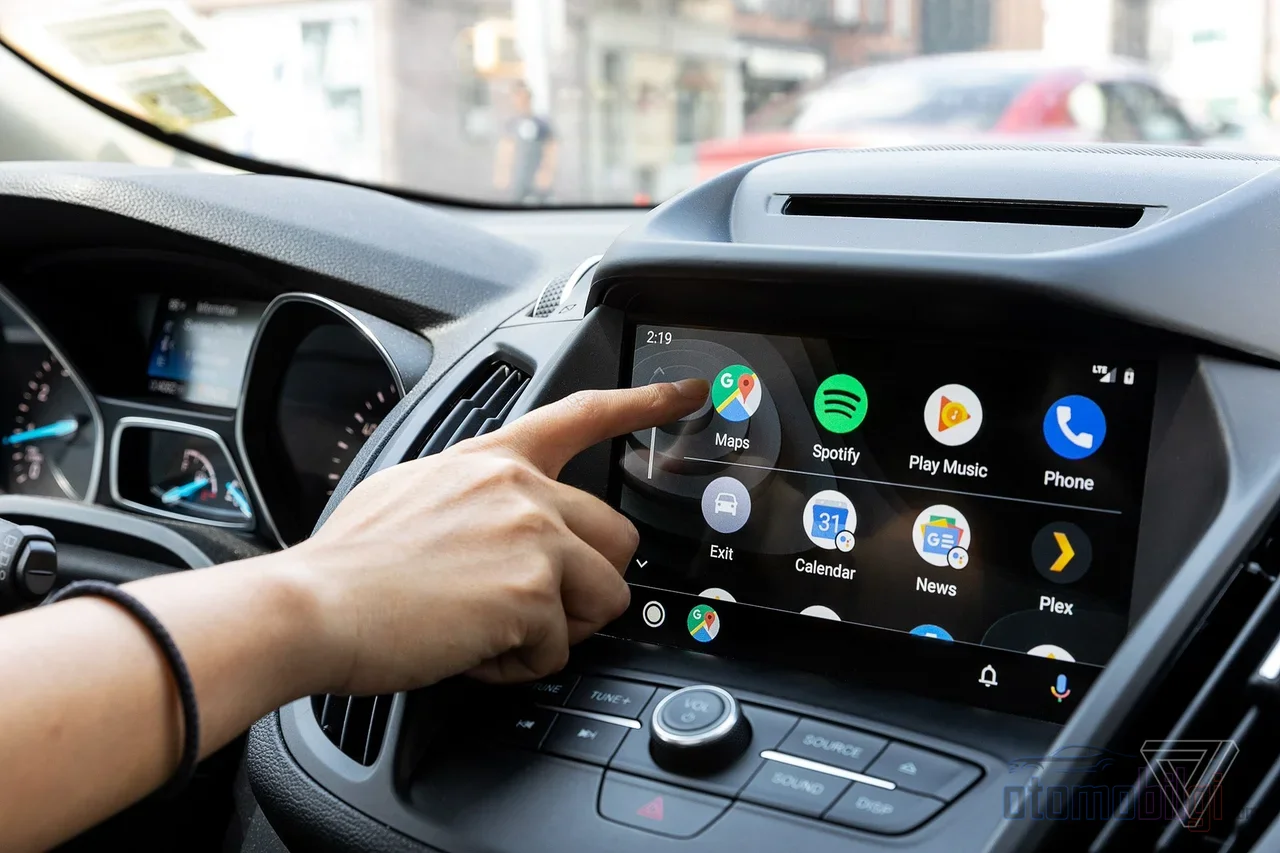
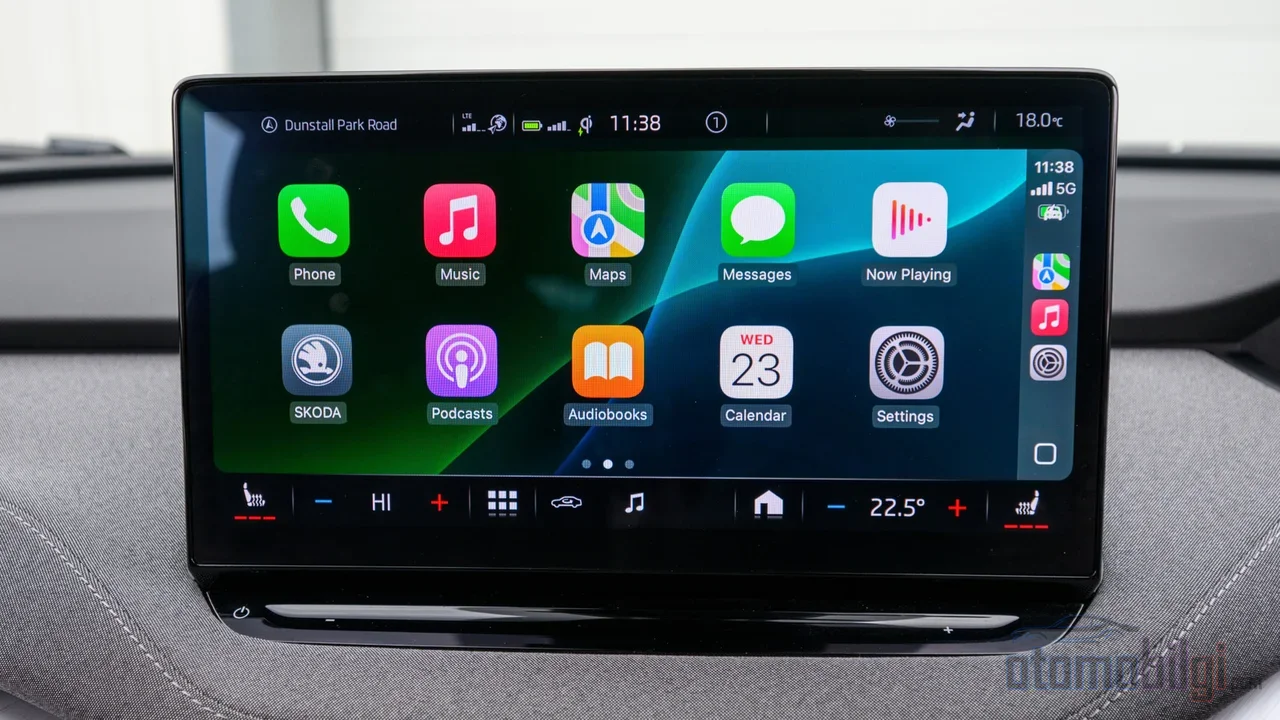
Here's the heart of the matter. Many people think CarPlay is phone mirroring, but it's not. CarPlay is not a vehicle that mirrors the phone's screen; it's a controlled interface prepared for driving. It only shows approved apps: maps, phone, messages, music, and a few similar ones. Video services like Netflix, YouTube, or TikTok, however, are specifically blocked case. So even if you wanted to, you can't open video in CarPlay, because the design simply doesn't allow it.
I can summarize the difference between the two systems like this:
| Feature | CarPlay / Android Auto | Raw mirroring |
|---|---|---|
| What does it show? | Only approved, driver-friendly apps | The entire phone screen |
| Video services | Especially disabled | Works but usually only when parked |
| Video stream | Controlled, simplified interface | Live video stream from the phone |
| Core motivation | Compliance with driving safety regulations | Full-screen access |
There are also small behavioral differences between the two: Android Auto keeps the map view on screen with a persistent media bar and dismissible notifications, while CarPlay tends to switch to full screen more often. And of course CarPlay only works with an iPhone; Android Auto has different requirements. A recurring opinion in user discussions: for daily driving, CarPlay is cleaner and safer, while mirroring is for full-screen access and usually video when parked. There are even those who want exactly the opposite; some iPhone users say they want to ditch CarPlay and use the map on the car screen and music on the phone. So not everyone is happy with the same solution.
Why is video locked while driving?
There isn't a single answer; it's a three-layered situation. The first is the law. For example, the legislation in Arizona states clearly: a display device that the driver can see from the normal seating position cannot be used while the vehicle is in motion, except for exceptions. In Connecticut, similar regulations are in effect banning watching video on vehicle screens or phones while driving. In Australia, there's also talk of a rule that a digital screen visible to the driver may only stay on with driver-assist functions. So this isn't a manufacturer whim; it's a real legal boundary in most jurisdictions. NHTSA federal guidelines also recommend technologies that disable most apps while driving.
The second layer is the vehicle software itself. The infotainment system knows whether the car is moving; some systems don't allow any settings changes once movement begins. For example, the Mazda CX-5 screen lock that drivers discuss on forums is explained by the manufacturer as a safety feature; participants also mention practical justifications such as low touch response time and potential errors. Most Miracast-based systems also cut the video and show a warning when the vehicle starts moving. So the parking lock is typical behavior in screen mirroring.
The third layer is more contentious: it's said that some manufacturers keep CarPlay and Android Auto completely out of their vehicles because they want to access the data themselves. Are all the restrictions safety-driven, or is part of it data control? The debate is open; both views are seriously defended. As a reader, I think both need to be taken seriously.
Which car allows which level of mirroring?
Let's draw a rough map. Most factory front screens block video playback while driving unless parked, but the driver can still access navigation maps and climate control. Tesla is a separate chapter entirely: As of 2026, no Tesla comes with built-in CarPlay, and the way to display your phone's screen goes through third-party mirroring kits.
In the Android world, the old days are behind us. There used to be mirroring apps exploiting loopholes in Android Auto; forum discussions debate whether these methods still work on recent vehicles, and it's said that older exploit-based methods have been patched. So that legally gray area is slowly closing. Roughly speaking, the picture by model age looks like this: Pre-2016 vehicles offer basic integration, 2017 and later models offer broad compatibility, 2020 and later models may introduce restrictions that complicate third-party integration.
What to expect in real-world use?
If you want mirroring for scenarios like watching movies while parked, series during charging stops, or gathering in the back seat, there are a few paths, and all of them have their own frustrating quirks.
Hardware adapters
The most practical solution is usually a hardware adapter. For example, boxes that offer real mirroring along with wireless CarPlay sell for around 99 dollars . The connection is established in 10-15 seconds, and audio-video latency typically stays under 200 ms. This path is considered safe for parked use. But let's be realistic: audio-video sync drift of 1-2 seconds and occasional frame rate issues can occur. It's tolerable for watching movies, but can be confusing for a video with a beat.
Software solutions
There are also apps like AirDroid Cast, EasyConnection, ApowerMirror or XMirror; but most of them require the car to be able to open a browser or install apps. There's also the requirement that the phone and the car be on the same Wi-Fi network, which isn't always easy to set up inside a vehicle. An extra warning: some apps, especially banking and premium video services, restrict functions when mirroring is detected. In other words, the app that realizes you're projecting to the screen doesn't give up.
Let me also add this: the most meaningful use of mirroring is actually not the driver in motion, but the parked vehicle and the other passengers. Scenarios like watching a series during an EV charging stop or holding a meeting inside the car while parked are where this technology really shines. Viewed from this angle, the restrictions make much more sense.
What's changing with iOS 26?
There is also a recent development: with iOS 26, Apple is bringing a feature to CarPlay that allows video streaming via AirPlay while parked. This means it becomes possible to watch video on the car's screen through an official channel, without the hassle of cables and adapters, but only when the vehicle is stationary. The most interesting part is this: despite the announcement, not a single automaker has confirmed that it will support CarPlay video playback while parked. So it remains uncertain whether the feature will become widespread. This leads me to think that raw mirroring will, over time, likely be replaced by manufacturer-controlled, park-lock-protected official solutions.
Frequently asked questions
- Can I mirror my phone screen to the car with CarPlay? No; native CarPlay only shows approved apps, and true mirroring requires a separate adapter or box.
- Is mirroring while driving legal? It varies by jurisdiction; in most places watching video while driving is prohibited, while audio functions are generally allowed.
- Why does the video cut out while in motion? Due to safety regulations and manufacturers' park lock implementations.
- How do I watch Netflix or YouTube on the car screen? With CarPlay adapters, Android-based boxes, or via mirroring apps in browser-supported vehicles, only while parked.
In short, raw screen mirroring is technically mature, but legally and commercially tightly constrained technology. If you want to carry your phone onto the car screen one-to-one, your scenario almost always needs to be while parked; if you're driving, CarPlay or Android Auto is the perfect fit for you. Don't you think the car screen should be more of an assistant that keeps the driver's eyes on the road than a turning-into-a-cinema-hall?
Sources
- Miracast - Wikipedia
- 28-963 - Image display device; prohibition; exceptions (Arizona State Legislature)
- CarPlay in iOS 26 promises video playback feature (9to5Mac)
- CarPlay Screen Mirroring: Mirror iPhone to Car Display 2026 (Car Tech Studio)
- Understanding Miracast as a Wireless Display Technology (Copperpod)
- Realtek Wi-Fi 6 (RTL8852) Adapters and Miracast P2P Issues (ScreenBeam)
- Rules For Watching Screens In Your Car Explained (Family Handyman)
- CX-5 Infotainment Screen Lockout while driving (Mazda247 forum)
- Is it still possible to use screen mirroring with Android Auto on recent cars (XDA Forums)
- How to Mirror Phone (Android & iPhone) to Car Screen (AirDroid)