How to Start Charging at a Public Station
Share This Page
There are four basic ways to start a charge at a public charging station: RFID card, mobile app, contactless bank card and Plug and Charge. Regardless of the method, the logic chain is the same - the station first identifies you, links the session to an account and starts the charge; the only difference lies in how that identification is done. Choosing the right method and knowing the possible errors in advance turns your first charging experience from chaos into a calm operation.
Highlights
- An RFID card does not store payment information; it carries only an identity that links the session to your account.
- With Plug and Charge, the ISO 15118 standard makes it enough to simply plug in; no card, app or account is required.
- Payments with a bank card almost always involve a pre-authorization hold; for AC charging, typical block amounts are around 35 euro.
- The most frequently reported problems concern payment systems and charging hardware; most solutions come down to a few simple steps.
- The AFIR regulation in the EU makes card payment mandatory at new DC fast chargers.
How to Start Charging with an RFID Card?
RFID (Radio-Frequency Identification) is a wireless identity communication technology; the card sends data, the reader on the station receives it. In public charging, the RFID card works as a kind of tap-authorization credential: it identifies your account, starts the charging session and forwards the billing record to the correct provider. The critical point is this: no payment information is stored on the card. The card carries a unique identification number that links the session to the account; a lost card cannot be used to make a payment anywhere else.
The moment you tap it, four steps run in the background: the station reads the unique ID from the card, the software checks whether this ID is authorized, if it is, the session is started and recorded to your account, and the provider bills according to its own tariff. When charging is finished, you tap the card again; the session stops and the payment is processed. For this, you need to register with the network in advance and manage an online account.
The strongest aspect of RFID is its reliability. It retains its value as a backup method in situations such as weak signal, app crashes, charging station software issues or a dead phone; it also works smoothly in places like underground parking garages where cellular signal is weak. Virtual RFID, that is, tapping the phone to the reader, failed to become widespread due to a lack of standardization; most operators turned directly to Plug and Charge in this area.
Mobile App: The Center of Information and Control
Charging with the app starts by selecting the station on the map and following the instructions; billing is based on the energy consumed and payment is usually drawn within 24 hours. Operator receipts can sometimes be delayed; waiting up to 72 hours is considered acceptable. The real contribution of apps is less the charging itself and more the control: idle/occupied status, price breakdown, remote stop, receipts and session history are all gathered on a single screen.
A common mistake happens here as well: on some devices, the app gives a "charger in use" error because the cable is plugged in too early. The correct flow is to follow the app's instructions and plug in the cable only when prompted. The typical flow in Türkiye is similar: download the operator's app, sign up, add a credit card, scan the QR code at the station or select the device and start charging.
Ad-Hoc Charging with a Contactless Bank Card
Some operators offer direct payment with a debit or credit card without requiring an app or account; this is called ad-hoc access. For a user who charges occasionally, this is the most practical method. However, there is a cost: you cannot benefit from operator discounts and getting a corporate/VAT invoice becomes harder; at some stations, price transparency is also limited.
One technical detail to watch out for is the pre-authorization hold. With debit card payments, a hold is almost always placed: in the examples, holds of 49 euros for DC charging and 35 euros for AC charging are typical. At the end of the session, this amount is replaced by the actual consumption and the excess is refunded; however, depending on your bank, the hold may remain visible for a few days. Rather than assuming it is a fault and trying again and again, it is enough to know that the refund is processed according to your own bank's calendar.
Plug and Charge: Plug It In, the Rest Is Automatic
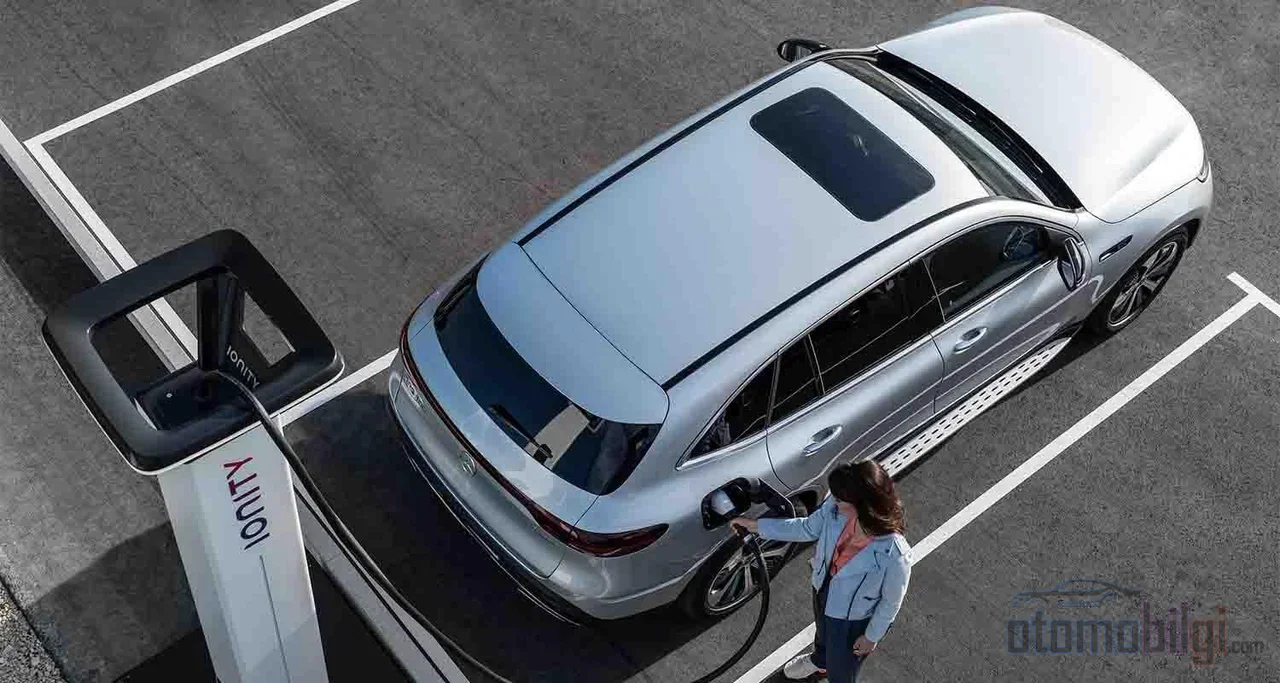
Plug and Charge is based on the ISO 15118 standard. After a one-time registration, your vehicle introduces itself to the station with encrypted digital certificates the moment you plug in the cable; authentication and payment happen automatically. The version that launched the standard is ISO 15118-2, and it covers automatic authentication in both AC and DC charging. The security architecture is built on two pillars: the connection is established only over a TLS-encrypted line, and identity management is handled with Public Key Infrastructure (PKI) digital certificates.
A frequently confused neighboring concept is Autocharge. Autocharge also starts charging automatically when you plug in, but it identifies the vehicle with less secure identifiers such as the MAC address and requires it to be registered at a station first. Plug and Charge's PKI-based structure is seen as the long-term, truly plug-and-play-only solution; until full cross-network consistency is achieved, contact-based methods will retain their importance.
In Türkiye, some networks already offer these technologies: Trugo provides an Autocharge feature that must be activated at selected stations; to start charging on ZES, after connecting the cable to the vehicle and the station, it is enough to tap your ZES card on the device's card reading area; ŞarjPlus offers finding stations on the map, scanning a QR code or tapping an RFID card, real-time kW and cost tracking, and payment by card or virtual wallet. Let us also add that the ZES network serves at more than 1,800 points across 81 provinces and offers route planning and station reservation in its app.
Four Methods Side by Side: Which One Is for You?
| Method | Setup | Strength | Weakness |
|---|---|---|---|
| RFID card | Prior registration with the network is required | Fast, signal-independent, suitable for fleets | May not work outside its network |
| Mobile app | Download + card registration | Status, pricing, remote stop, history | Dependence on phone battery and signal |
| Contactless card | No setup at all | Instant charging without registration | No discounts, upfront pre-authorization hold |
| Plug and Charge | One-time vehicle registration | Just plug in, PKI security | The vehicle and station must support the standard |
When choosing a method, one more concept will be useful to you: the party operating the charging station is called the CPO, and the party selling access and issuing invoices is called the eMSP. The operator's own card generally works only on its own network; an eMSP card, however, is recognized on many networks thanks to roaming agreements. This coverage depends on commercial agreements and on whether the station is connected to the internet at that moment - this is why you should carry a second backup method with you on long journeys. In addition, the EU's AFIR regulation mandates card payment at newly installed public DC fast chargers, requiring that everyone be able to charge without registration.
Charging Not Starting? Most Common Errors and Their Solutions
Authorization and start-up errors
Two conditions must be met at the same time for the session to begin: the cable being correctly connected and the transaction being approved via Plug and Charge, RFID, or remote authorization. The most frequently reported problem areas are payment systems and charging station hardware. The cause of the fault can also be a communication error, a damaged cable, or battery temperature; sometimes the problem is as simple as an expired payment method or an app version that has not been updated.
There is a consistent language on the screen for the user: a green light means ready, blue means charging, red means unusable or out of service, and white indicates a temporary system state such as a software update. In cases where the app reports an in-use error, the first suspicion is that the cable was plugged in too early. If the card is rejected, that is, if you receive an authorization failed error, there is a possibility that the card is not supported at that station or there is an issue with the card; you need to contact the service provider that supplied the card.
Stuck cable and locked session
The most common reason the cable does not come out of the vehicle is technically that the session is still considered ongoing; first make sure the session has truly ended. The simple first intervention is always the same: remove the cable from the vehicle, wait about 30 seconds, and reconnect it firmly.
Practical notes for operators in Türkiye also come in handy: inserting the connector by pressing it along a straight line until you hear the click and see the lock icon on the vehicle resolves a significant portion of start-up problems; visually checking the connector and the vehicle inlet should be the first step. If the station screen freezes, there are reset methods that can be applied without needing to wait for service on ZES, Trugo, and Eşarj units.
The Future of the Card: RFID as a Backup Method
The industry's direction is clear: As bank card payments, Plug and Charge, and Autocharge spread, RFID will move out of the role of being the sole method and continue to live on as a backup and fleet tool. Driver- or vehicle-based access assignment in fleets makes cost tracking easier, so this use of the card is strengthening. Some networks prefer to phase out the card and switch to a combination of app and contactless reader. The right strategy for the user is not to stick to a single method, but to choose a primary method and add a signal-independent backup - for a Plug and Charge-enabled vehicle this backup can be an RFID card, and for the app, a contactless bank card.
In the end, public charging is a process where all four seemingly complex methods work with the same simple logic: identify yourself, link the session to an account, measure the energy and bill for it. A driver who understands the methods and their typical failure patterns once significantly reduces the number of surprises awaiting them at the station.
Sources
- How to pay for electric car charging (public EV charging guide) - Octopus Electroverse
- How to Charge Your Electric Car - E.ON Drive Infrastructure
- Going Contactless: Why RFID Cards Still Matter In EV Charging - Eleport
- What is Plug & Charge (ISO 15118)? - EV Range
- Autocharge vs Plug & Charge (ISO 15118) - Charged EVs
- AFIR Regulations: Easy Payment at Charging Stations - SO Solutions
- Why does a charging session not start? - Alfen Knowledge Base
- I Can't Disconnect the Charging Port - EVCS Support
- ZES Frequently Asked Questions
- Trugo - Electric Vehicle Charging Stations
- Connect to the ŞarjPlus network - ŞarjPlus
- Charging won't start: 6 problems and solutions - WAT Mobilite
- Charging station screen froze: reset method - elektrikliturkiye.com