Does In-Car Navigation Work Better on Your Phone or on the Screen?
Share This Page
Short answer: For most drivers, phone navigation - that is, maps mirrored to the screen via Apple CarPlay or Android Auto - is a better primary choice in terms of up-to-date traffic data and practicality. Built-in navigation is still a serious contender on long trips, in rural areas, places with weak data coverage, and cross-border travel - and in some cases it is even the most sensible option.
Highlights
- While the phone is connected to the internet, its map is always up to date; there is no need to buy updates
- Map updates on built-in systems can be paid and are released only a few times a year on some brands
- Google Maps typically consumes 0.6-2.2 MB of data per hour; so data usage is not as big a concern as it is thought to be
- The built-in system keeps finding its way through tunnels using speed and heading information even if the GPS signal is lost
- In city traffic the phone comes out ahead; on long journeys without data, the built-in system takes the lead
I'll admit it: I have been weighing this question in my head since I first started dreaming about owning a car. If a huge map is glowing on the center console, what's the point of the phone? But on the other hand, everyone uses the map on their phone. So which one is really better? Come, let's put our heads together and go through it from every angle.
How Does Phone Navigation Actually Work?
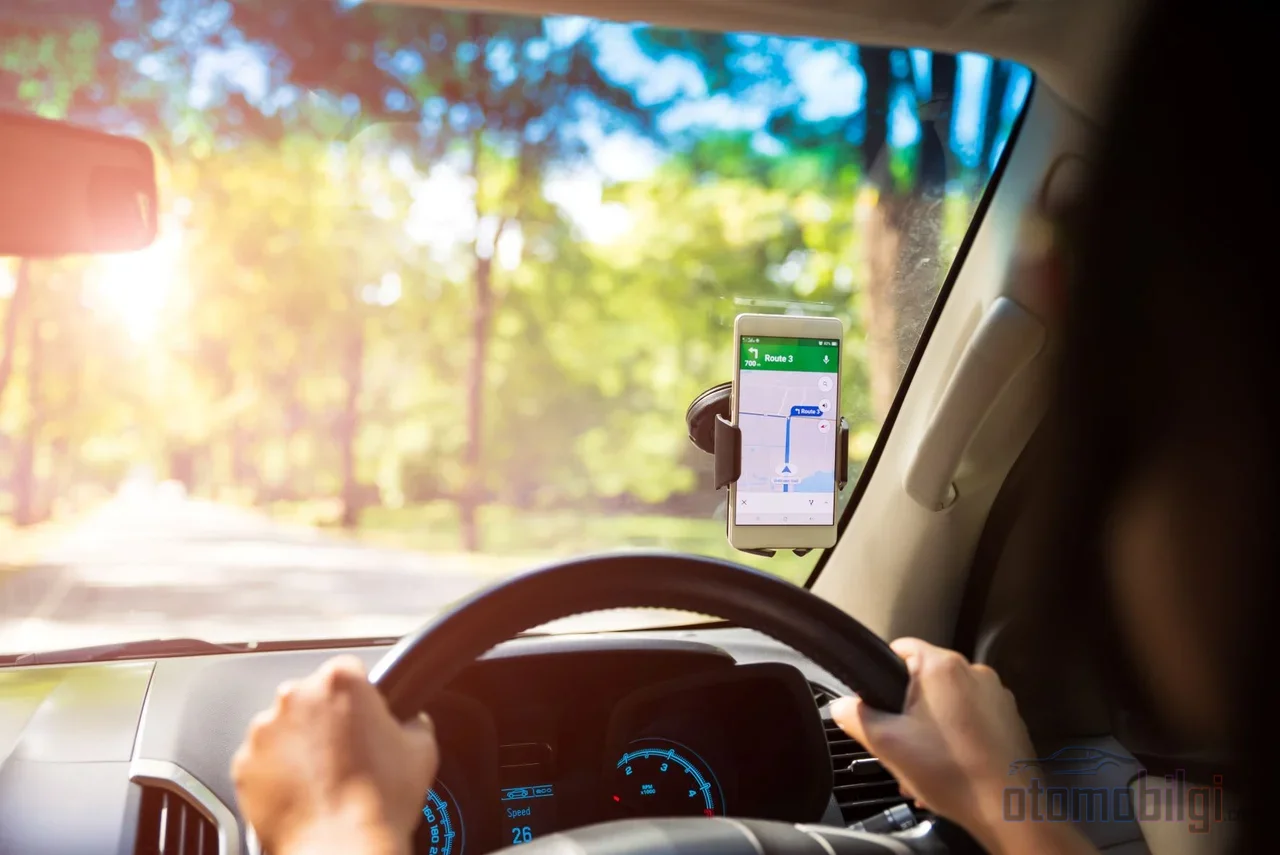
First, let's correct a common misconception: phone-based car navigation does not mean putting the phone somewhere in the car. Apple CarPlay or Android Auto is a bridge that mirrors the apps on your phone to the car's infotainment screen. On the CarPlay side, Apple Maps, Google Maps and Waze are in play; on the Android Auto side, it is mainly Google Maps and Waze. In other words, whatever you use on your phone, you see it on the car's screen. Audio works through the steering wheel buttons and the car's speakers. That's why the experience is far more refined than holding and looking at the phone in your hand.
With built-in navigation, on the other hand, the software and map data are embedded in the car's main unit. The maps sit on an SD/microSD card or a hard disk. In other words, the system is a world of its own, independent of your phone's mood that day. This is exactly where the difference between the two begins: one constantly breathes over the internet, the other makes do with its own map.
Map Freshness: Why Does the Phone Push Its Class to the Limit in This Regard?
The biggest trump card of phone navigation is this clear: as long as you have an internet connection, your map is always up to date. A newly opened junction, a changed entrance road... they all arrive automatically. No buying updates, no messing with memory cards.
It does not work that way on the built-in side. Map updates are usually paid, with amounts like 250-500 CAD mentioned; moreover, the update sometimes requires a computer + memory card combination. Fortunately, brands are speeding up this process: BMW releases automatic map updates 4 times a year, meaning it publishes once every three months. For vehicles with MY22 and later software, Kia performs updates automatically via OTA, twice a year. Hyundai does not require map updates; it says that every year up to 15% of changes can occur on the maps.
The most critical problem with an outdated map is in a rather interesting place: the POI database, meaning the list of points such as gas stations, restaurants, and hospitals. If the map is old, the points may be wrong even if the road is correct. The classic example is famous: your fuel is about to run out, you head to the station on the map, and it turns out to be a bagel shop now. Your phone finds the record instantly via cloud-based search; the built-in system can only update the POI list along with the map.
Traffic Data and Re-Routing: Who Is Smarter in the City?
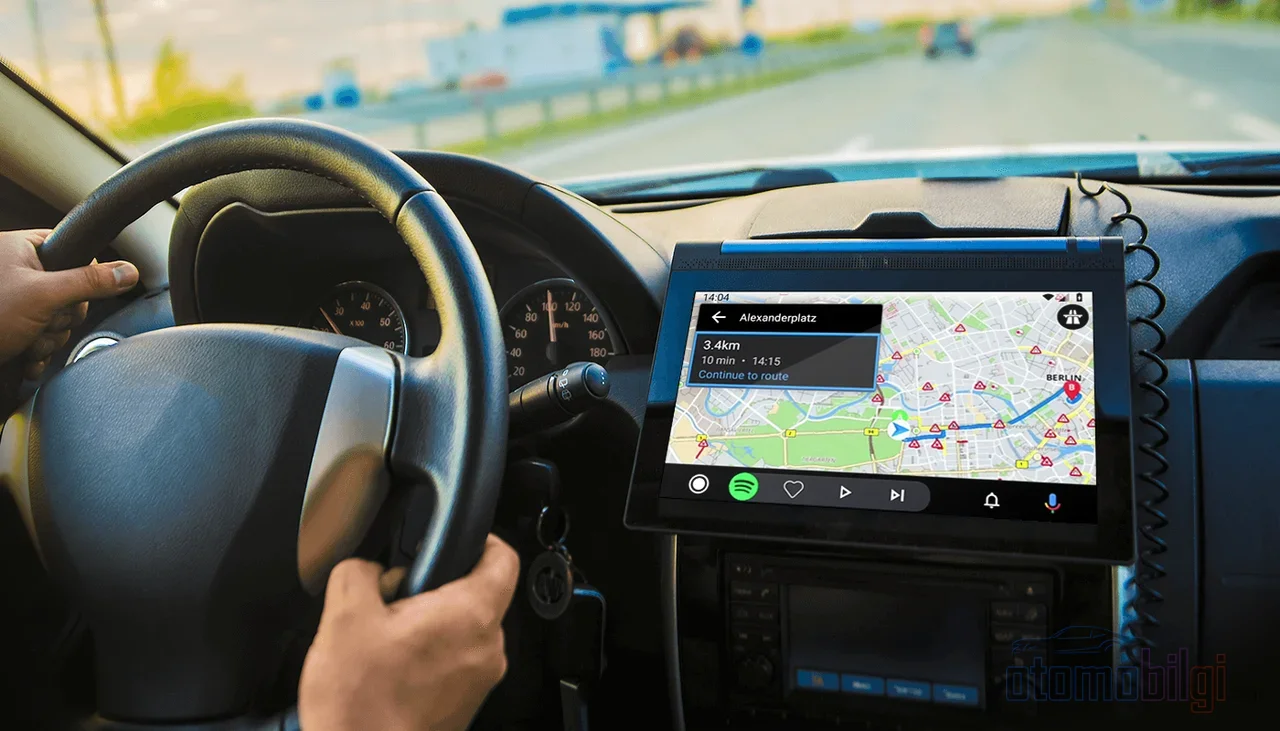
Now let's move to the real arena: heavy traffic. Phone apps, with real-time traffic data, can re-route within seconds when conditions suddenly change. Factory systems can't always match this speed; moreover, traffic data is not available in every vehicle. If you're in an older car, for example a 2009 model, it may not exist at all.
So Google Maps or Waze? The two work differently: Waze relies entirely on real-time, community-sourced data; drivers share information with each other. Google Maps blends real-time data with historical and verified data. Google Maps is described as the gold standard for routing quality and real-time data; in a 600-mile comparative drive, however, Waze came out clearly ahead in traffic reports. So Waze wins for short-term accident and speed camera warnings, while Google Maps stands strong for overall route quality.
Screen, Hardware, and Integration: The Built-in System's Strength
In this section, the shot hits the console, not the table. The built-in navigation's hardware advantages are real and cannot be compensated for:
- A large, fixed screen on the center console; no falling, shaking, or blocking of view
- When someone calls, the screen splits and both caller info and navigation are visible at the same time
- It works integrated with the speedometer, compass, fuel level, and speakers
The coolest part of the integration is this: even when the GPS signal is lost in a tunnel or among tall buildings, the system keeps finding directions because it knows the vehicle's speed and turning information. In fact, when about 80 km of range remains in the tank, it can mark the fuel stations on the map by itself. Phone navigation, on the other hand, sometimes starts behaving genuinely strangely with a weak signal.
With voice commands, however, the wind changes direction: built-in systems usually demand a rigid command syntax, while phones understand everyday speech thanks to natural language processing. Expressions like "take me there" or "can you help" are perfectly valid for a phone.
Using a cell phone while driving poses a major risk of death and injury on US roads.
Data Usage and Cost: "Is the Map Eating My Data?"
This question comes up a lot, and the answer is more reassuring than you might expect: phone navigation's data consumption is surprisingly low. For Google Maps, typical values are around 0.6-2.2 MB per hour; Waze consumes even less, while Apple Maps uses a bit more. In daily use, this is far smaller than most data plans.
Built-in systems, on the other hand, use no cellular data at all - a real advantage for those who don't want to spend phone data. On cross-border trips (such as the US-Canada-Mexico route), data roaming charges also come into play; for those who don't want the hassle of fees, the factory system makes sense. There is also an offline middle ground: in Google Maps you can download a map area in advance. But be careful: you need to download enough to cover the entire route; if you've downloaded Buffalo and Detroit separately, the route between them can't be planned offline.
There is also a third option sitting on the shelf: independent GPS devices like Garmin, which can be moved from vehicle to vehicle, with prices starting at around 100-300 dollars . Most come with a one-year limited warranty and lifetime map updates.
Safety: Which One Is Less Distracting While Driving?
Here's the serious part. Interacting with GPS can be as dangerous as texting if it's the wrong system. NHTSA explicitly emphasizes that phone use while driving is a serious risk. Placing your phone in an odd spot with a windshield or console mount can also block your view; a proper mount is essential.
The hands-free issue is more complicated than it appears: the AAA Foundation says hands-free use is reasonably safer than holding the phone; some experts, however, point out that hands-free doesn't reduce distraction and can be just as dangerous. Garmin's arguments run along the same lines: less distraction, an easy-to-read screen designed specifically for the console, no battery worries, and data privacy. So the built-in/hardware side earns a legitimate point in terms of attention economy.
In recent years, one piece of hardware has changed this balance: the head-up display, or HUD. It projects navigation directions and speed limits onto the windshield, directly in the driver's line of sight, thereby shortening the time your eyes need to leave the road. It's also an integration that already saves OEMs on hardware costs. A small footnote: unfortunately there is no complete list of which vehicles support Android Auto navigation on the HUD or instrument cluster; communities are still trying to document it.
Known Issues with Built-in Systems
Let's also be honest here: Built-in navigation is not always smooth. A driver who has tried built-in navigation in four different brands of vehicles from 2018 onwards reports that all of them were bad. On some Volkswagen SUVs, touchscreen failures, GPS signal loss, random resets, and software bugs accompanied by freezes are known issues. Portable GPS devices, on the other hand, can suffer from signal loss, wrong directions, and overheating, especially in tunnels, hot weather, and weak connectivity. So the perception that "the factory system never goes wrong" is also a myth - and on the phone side, the existence of troubleshooting guides for CarPlay GPS accuracy issues means it can also act up there from time to time.
Which Makes Sense in Which Scenario?
Let's get to the heart of the matter. Depending on your use scenario, the picture becomes very clear:
| Scenario | Most sensible choice | Why |
|---|---|---|
| City driving, heavy traffic | Phone (CarPlay/Android Auto) | Real-time traffic and instant rerouting |
| Rural areas, weak coverage, long journeys | Built-in system | Satellite-based reliability, no cellular dependency |
| Frequent cross-border travel | Factory system | No worries about data roaming charges |
| Those who forget to charge their phone | Built-in system | Always ready, battery never dies |
| Portability between vehicles | Standalone GPS device | Moves along with the car |
CarPlay or Android Auto?
The comparison between the two is also frequently asked. Android Auto is described as having a clear advantage in navigation thanks to its Google Maps integration; but CarPlay users can also access the same app. In another assessment, Android Auto is "slightly ahead for navigation power users," while CarPlay is quite competitive for most drivers. So when it comes to navigation, both sides hold the same cards; the difference comes down to ecosystem preference. The recurring opinion on forums regarding map accuracy is this: apart from a difference of a few meters between the phone and the built-in system, there is no noticeable difference.
So the Bottom Line: On the Screen or On the Phone?
My clear answer is this: Let your primary navigation be the map mirrored to the screen from your phone, via CarPlay or Android Auto. The combination of up-to-date maps, real-time traffic, natural-language voice search, and free updates wins for most daily driving. The built-in navigation, meanwhile, stands alongside it as a fallback that steps in when needed: long roads with weak coverage, use without data, HUD and instrument cluster integration, and location tracking that doesn't give up in tunnels. If you set the two up not as rivals but as backups for each other, you always win on the road. Which one do you think you'd use more often? In my opinion, on your next long trip, turn both on and try them - seeing the difference with your own eyes is more convincing than anything you read here.
Sources
- Which GPS navigation system is right for you?
- Smartphone Versus Built-in Navigation – Which Is Best?
- How often are Automatic Map Updates released?
- Kia – Navigation Software Update
- FAQ's | Map Updates
- Distracted Driving
- Navigating the World of Navigation Systems
- Cellphone-Related Distracted Driving
- Which Type of Car Navigation System Is Best?
- Google Maps vs. Waze (2026)
- I Just Drove 600 Miles With Waze and Google Maps
- Head-up Display: Why You Need It in Your Next Car
- Integrated Head-up Display | Infotainment
- CarPlay vs Built-In Navigation: Which Should You Use?
- Android Auto vs Apple CarPlay Complete Guide
- Android Auto vs Apple CarPlay: Which Is Better?
- The Best GPS Devices for 2026
- Common Navigation System Failures in Volkswagen SUVs
- Built-in Navigation vs Phone?! : r/cars
- Which cars support navigation in the HUD/Gauge cluster?
- 7 Reasons to Use a GPS Device vs. Smartphone in the Car