Why Does Adaptive Cruise Control Brake Unnecessarily in Traffic?
Share This Page
The most common reason adaptive cruise control brakes unnecessarily is that the radar and camera cannot see traffic accurately in every condition: detecting vehicles cutting into the adjacent lane too late, losing the vehicle ahead in curves, and sometimes slowing down for an obstacle that is not there at all. That is why the system is an assistant trying to hold speed and distance on your behalf; the decision and the responsibility always remain with the driver.
Highlights
- Radar sensors measure with a range of more than 160 meters, processing data 10-20 times per second
- The following distance is set not as a vehicle gap but as a time gap (approximately 1.5-3 seconds)
- Curves, hills, tunnel entrances and lane-changing vehicles are the system's weakest points
- Some systems can slow down for a stationary vehicle ahead but may not stop
- The system does not brake for people or animals; the responsibility always lies with the driver
You are settled in on the highway, music is playing, you are not touching the gas pedal at all, and the car is automatically matching the vehicle ahead. Then suddenly, a seemingly reasonless brake... Your heartbeat quickens, the driver behind you is honking, and you say "buddy, what was that?" Sound familiar? You are not alone; in English sources this is called phantom braking, and it is the most talked-about weakness of adaptive cruise control (ACC).
How Does Adaptive Cruise Control See the Vehicle Ahead?
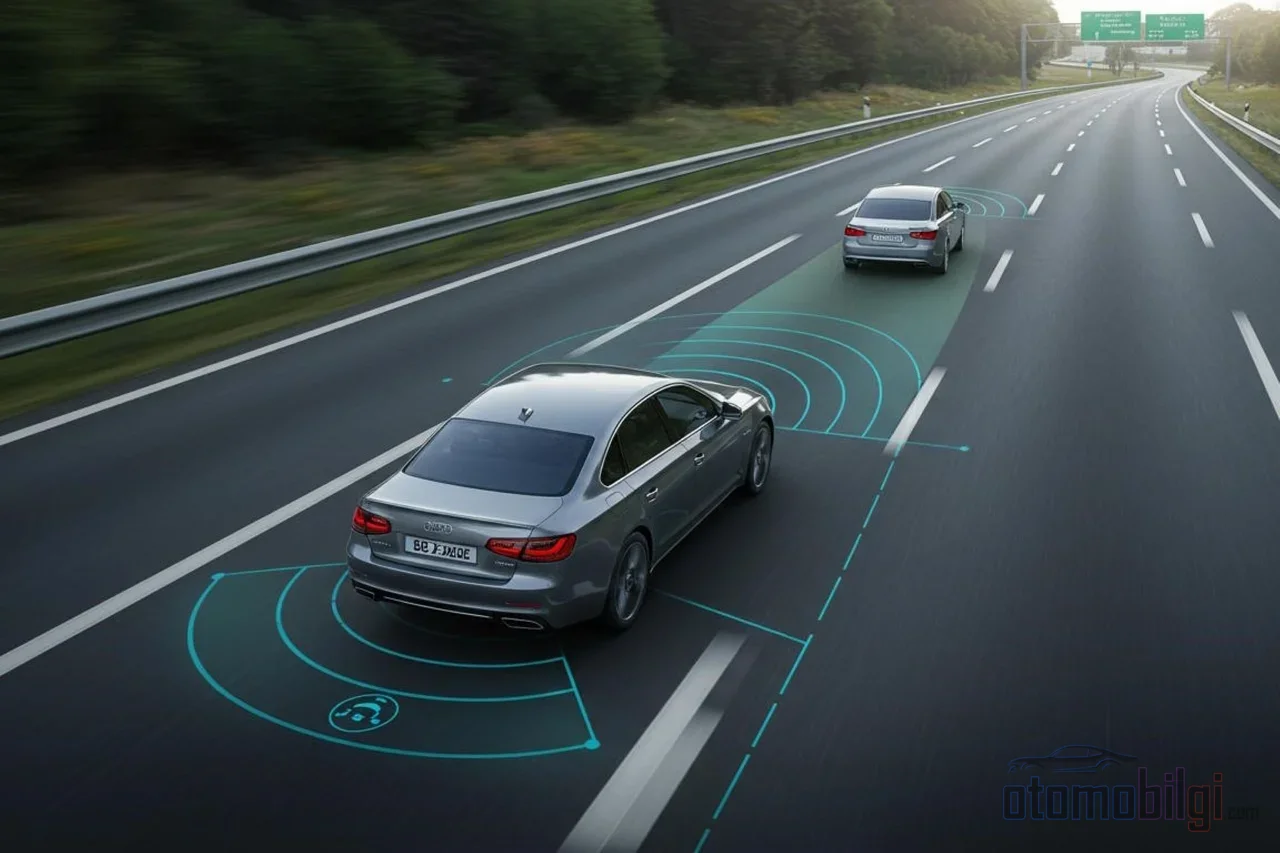
First let's take a good look at the machine, because these are the eyes that catch the phantom. To understand what is in front of it, ACC uses radar, lidar or a camera. The radar sensor sends radio waves at a frequency of 24 GHz or 77 GHz; it calculates the distance from the wave's return time. The range is surprisingly good: it can measure beyond 160 meters and the system processes this data 10-20 times per second. So it is not a lazy system; on the contrary, it is very hardworking. But being hardworking does not always mean being accurate.
Some vehicles work with a camera instead. For example, systems using a stereo camera estimate distance from the object's size and movement cues. Think of it as trying to imitate with software what the human eye does: easy to notice but open to error in some situations. The most reliable approach is hybrid systems that use radar and camera together; when one suspects, the other confirms.
The critical detail here is this: ACC is an SAE Level 1 driver assistance system. When combined with lane centering, which also holds the steering wheel, it moves to Level 2, but even as the level rises, the concept does not change. These systems do not drive the vehicle for you; they only help you manage speed and following distance.
Why Is a Vehicle Cutting Into the Adjacent Lane Detected Late?
The most classic scenario is this: you are driving in the right lane, and a vehicle cuts into your lane without signaling (or signals and does so way too quickly). The system takes a few seconds to detect it, because the radar looks straight ahead at a narrow angle and keeps classifying the vehicle as an object in another lane until it is fully settled into your lane. During that short window the closing speed increases and the system goes into panic mode, braking hard. Manufacturers are aware of this too; the owner's manuals clearly state that the driver must maintain a safe following distance.
The opposite also happens: the radar locks onto a vehicle that still appears to be in your lane but has actually pulled out into the side lane and is moving away. Even though that vehicle has left your lane, the sensor continues to treat it as "the vehicle ahead" for a while and the car slows down unnecessarily. This is exactly why drivers say we should take the warnings in the manual seriously: with vehicles making sudden lane changes, the system first slows down, and if the closing speed increases further, automatic emergency braking kicks in.
Why Does ACC Behave Strangely on Curves, Hills, and in Tunnels?
The biggest enemy of sensors is geometry. Because the radar looks straight ahead, when you enter a sharp curve the vehicle ahead falls outside the viewing angle. The system thinks "the vehicle ahead is gone" and starts accelerating; as you exit the curve the vehicle re-enters the field of view, and this time a hard brake comes because the closing speed will suddenly be high. It is clearly stated even in the manufacturers' own manuals that detection of the vehicle ahead may be delayed when exiting a curve and that the system may produce inappropriate braking or warnings. Ford's manual says that traffic being hidden on curves and hills can lead to unexpected acceleration and braking.
The hill version of the same story is even more frustrating: traffic behind the crest of the hill is completely hidden from the sensor and appears suddenly on the way out. Tunnel entrances can similarly disrupt perception; when light conditions change suddenly, camera-based systems struggle.
There is also the matter of damage and alignment. Even a small bump to the front bumper can shift the radar's viewing area. If the sensor has shifted sideways by a few degrees, the system detects vehicles too early or too late, and braking warnings come far too early or far too late. If ACC has started acting strangely after a bumper incident, the cause is most likely a radar out of alignment; you need to have the service calibrate it.
Can You Trust ACC in Stop & Go Traffic?
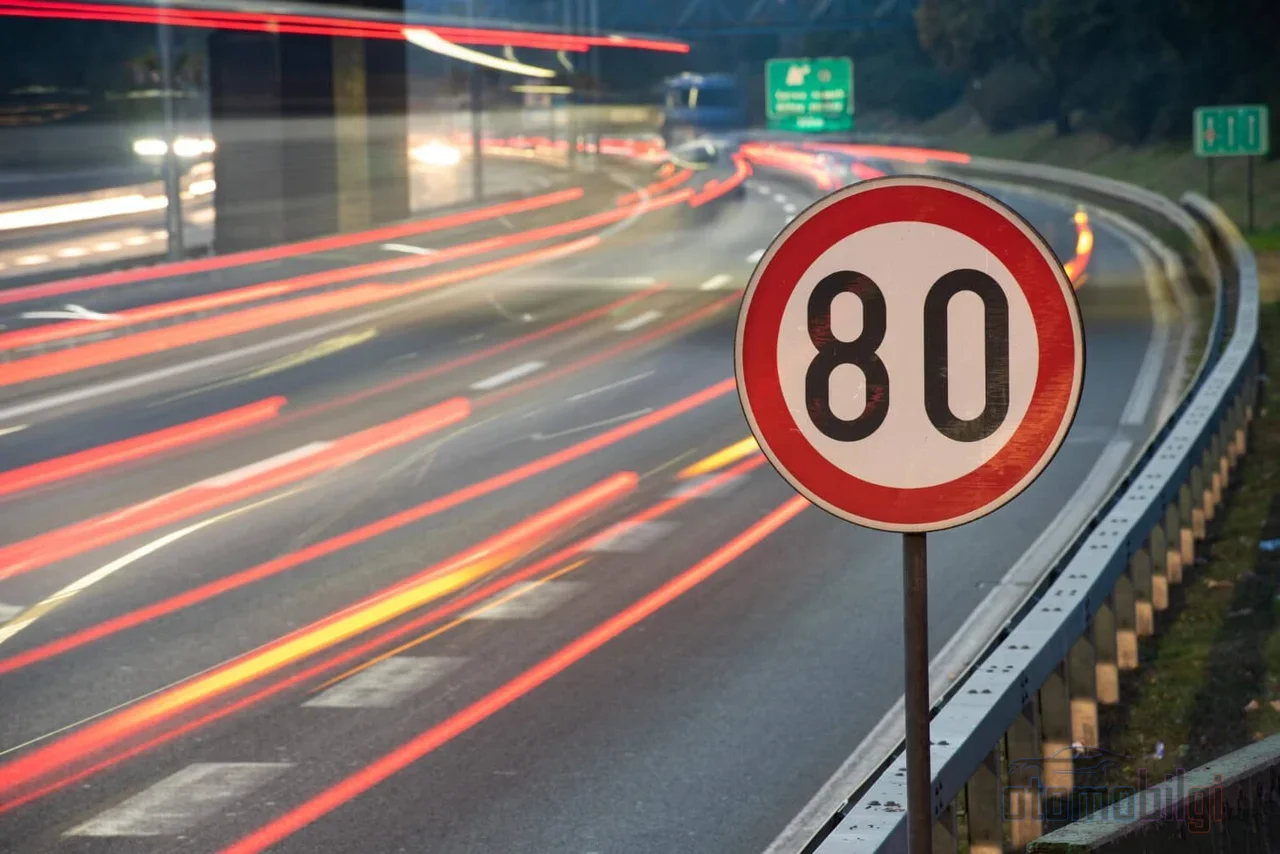
Stop and go traffic seems like where ACC shines: press the gas, brake, stop, go... The system does this routine for you and genuinely reduces long-distance driving fatigue. But there is a trap in it. Research and user experience show this: following a slowing vehicle is something these systems know well. However, if the vehicle ahead has already come to a stop, some systems may fail to slow down and stop sufficiently; this varies considerably by model. In other words, saying "there is a forward-looking eye, so accidents won't happen" can create false confidence.
Additionally, the system's braking capability is limited: some slow all the way to a complete stop, while most hand control back to you or stop once the speed drops below a certain threshold. Intersections, traffic lights, and oncoming vehicles are completely outside the system's scope. No radar is going to say "stop, the light is red."
What Does the Following Distance Setting Do, and Which Is Sensible When?
Now we come to one of the key points. In ACC, following distance is not measured in meters; time gap is how it is defined. If the system wants a 2-second gap, that means a short distance at 50 km/h but an entirely different, much longer distance at 110 km/h. As speed increases, the actual gap between vehicles automatically grows. That's exactly why thinking of the gap in "car lengths" is misleading for many of us.
Most systems offer 3-4 levels; the manuals define the close setting as approximately 1.5 secondsand the far setting as approximately 3 seconds . When is each level sensible? Here's a practical rule of thumb:
| Situation | Recommended setting | Why |
|---|---|---|
| Smooth highway traffic | Far (~3 s) | Provides extra reaction time when sudden braking is needed |
| Stop & go city traffic | Medium | Provides a reasonable balance in frequent stop-and-go conditions |
| Heavy rain, snow, fog | Far | Sensors are strained; braking distance also increases |
| Road with sharp curves | Far | Leaves a margin against detection delays in curves |
| Traffic piling up behind | Close | May be preferable to avoid disrupting the flow; caution is required |
Let's emphasize the bad weather issue separately: heavy rain, snow, and fog can blind the sensors. Laser-based systems in particular lose the light due to water particles and struggle to track a dirty vehicle ahead. A system that works perfectly fine in clear weather can suddenly become disoriented in a downpour.
When Should the Driver Take Over?
Here's the backbone of this article: ACC's sole purpose is not to remove you from the wheel, but to keep you on the road. Manufacturers' official manuals state this with brutal clarity: If the system cannot detect the vehicle ahead, the driver is always responsible and must intervene. Moreover, the system does not brake for people or animals; there is no ACC sold as a pedestrian sensor.
The practical rule is this: When the system realizes it cannot handle an emergency on its own, it gives you an audible and visual warning. That signal is not a "it would be nice if you paid attention" but a "take over immediately" call. A stop with your hands on the wheel and your foot over the brake saves lives during that one or two seconds between the warning and the response.
There's also a dangerous psychology at play. There are findings suggesting that drivers using these systems drive faster; one study showed that with ACC on, drivers went 24% faster . A driver who over-trusts the system becomes less attentive and responds more slowly to sudden situations. So the danger is usually not in the car's software, but in the driver's head.
On the other hand, let's be fair: ACC is not a completely unnecessary technology either. There are studies showing it reduces fatigue on long journeys, maintains a constant following distance, and reduces rear-end collisions in some situations, along with thousands of satisfied users. Its contribution to fuel economy is a bonus. The problem is not the technology itself, but behaving as if driving duties have been handed over to it.
Practical Checklist to Reduce Unnecessary Braking
- Increase your following distance a notch when traffic gets heavy; give the system some breathing room.
- Consider temporarily disabling ACC before entering sharp curves, so you don't get caught off guard by hard braking when exiting them.
- If a vehicle beside you is likely to merge into your lane, keep your foot above the brake and be ready.
- In heavy rain, snow, and dense fog, trust the system less and open up your following distance.
- If your front bumper has taken a hit, have the radar calibration checked; misaligned sensors may be the cause of faulty detections.
- If the vehicle ahead has long since stopped, don't assume your car will stop; be prepared to brake early as your own responsibility.
Let the final word be this: ACC is a great assistant, but the adult at the wheel is still you. The system isn't handing driving over to you, it's just sharing a few pedal tasks. Knowing its blind spots is the fastest way to avoid both phantom braking and unnecessary fears. Isn't knowing what your car can and cannot see the coolest way to use it?
Sources
- Adaptive cruise control - Wikipedia
- Adaptive Cruise Control: What It Is, How It Works, and Cost - iDriveCertified
- Using Adaptive Cruise Control - Ford Owner Manual
- Stop and Go adaptive cruise control - Renault user manual
- Adaptive Cruise Control limitations - Polestar manual
- Setting the Adaptive Cruise Control Gap - Ford
- Adaptive Cruise Control - MyCarDoesWhat
- Driver usage and understanding of adaptive cruise control - Larsson 2012, ScienceDirect
- Study Shows ACC Increases Speeding - Salvi, Maher
- Pros and Cons of Using Cruise Control - NPHM
- Approaching stopped traffic with Adaptive Cruise Control - Lucid Owners Forum